There should be an easier way to get my pictures from Picasa to my blog. If you know how, let me know.
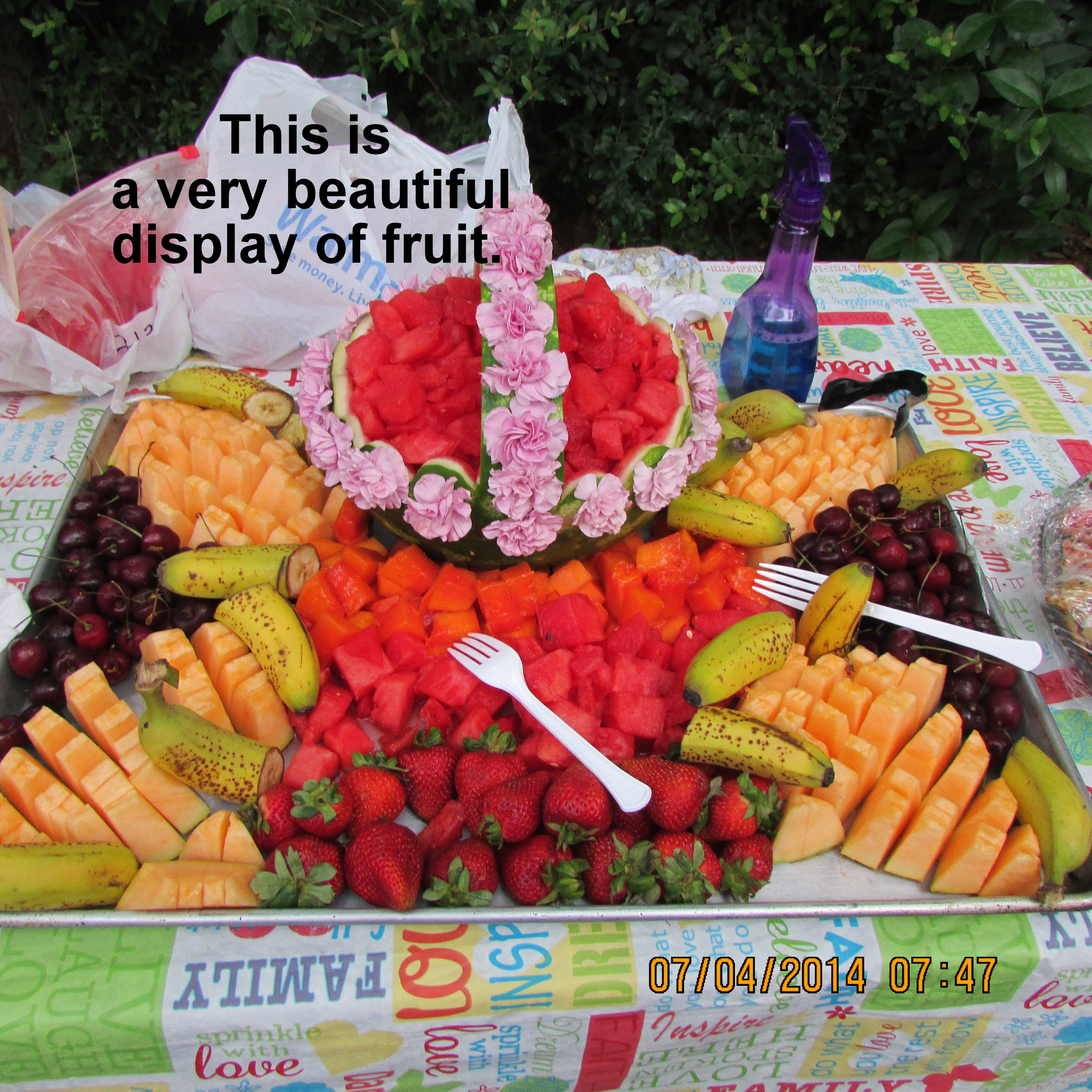
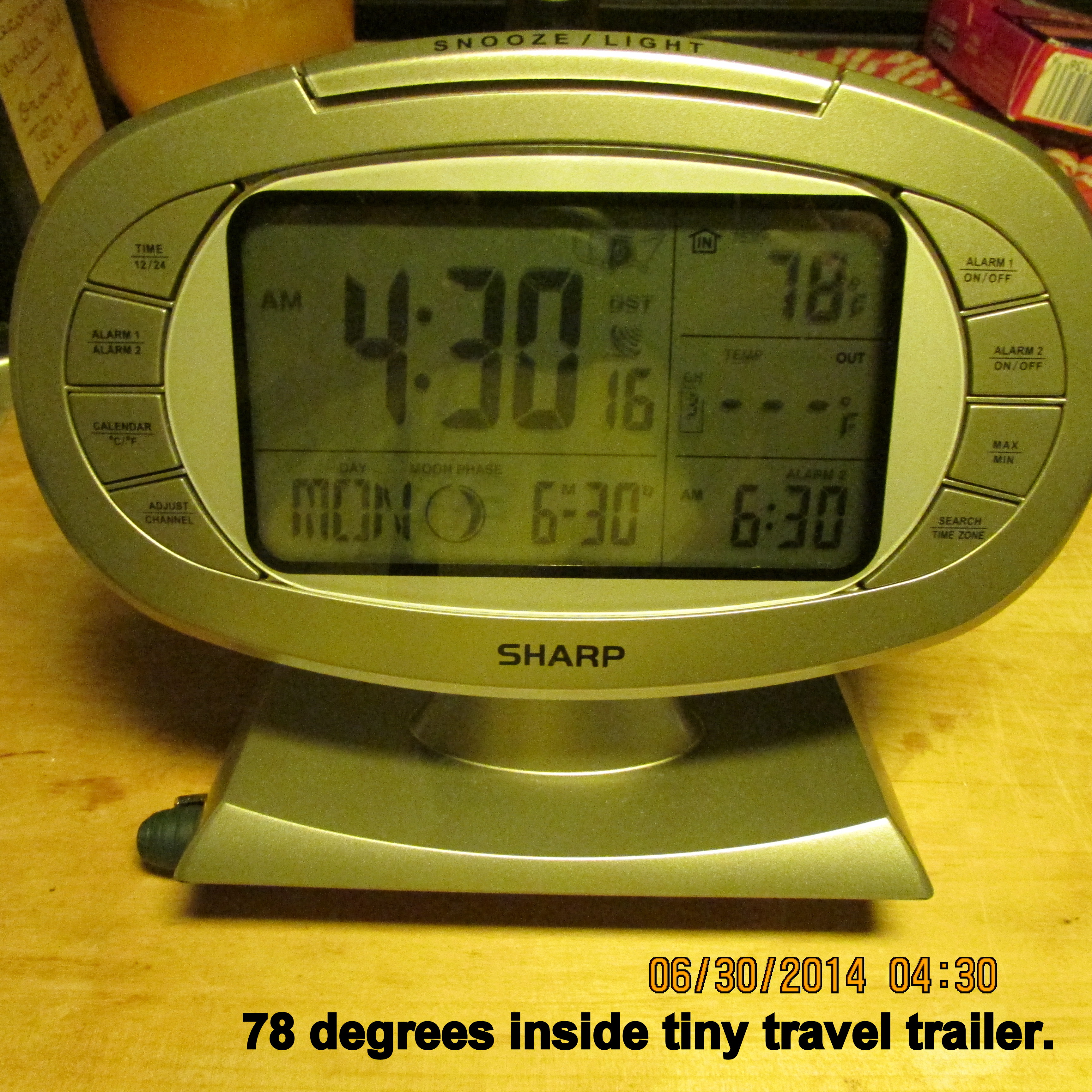
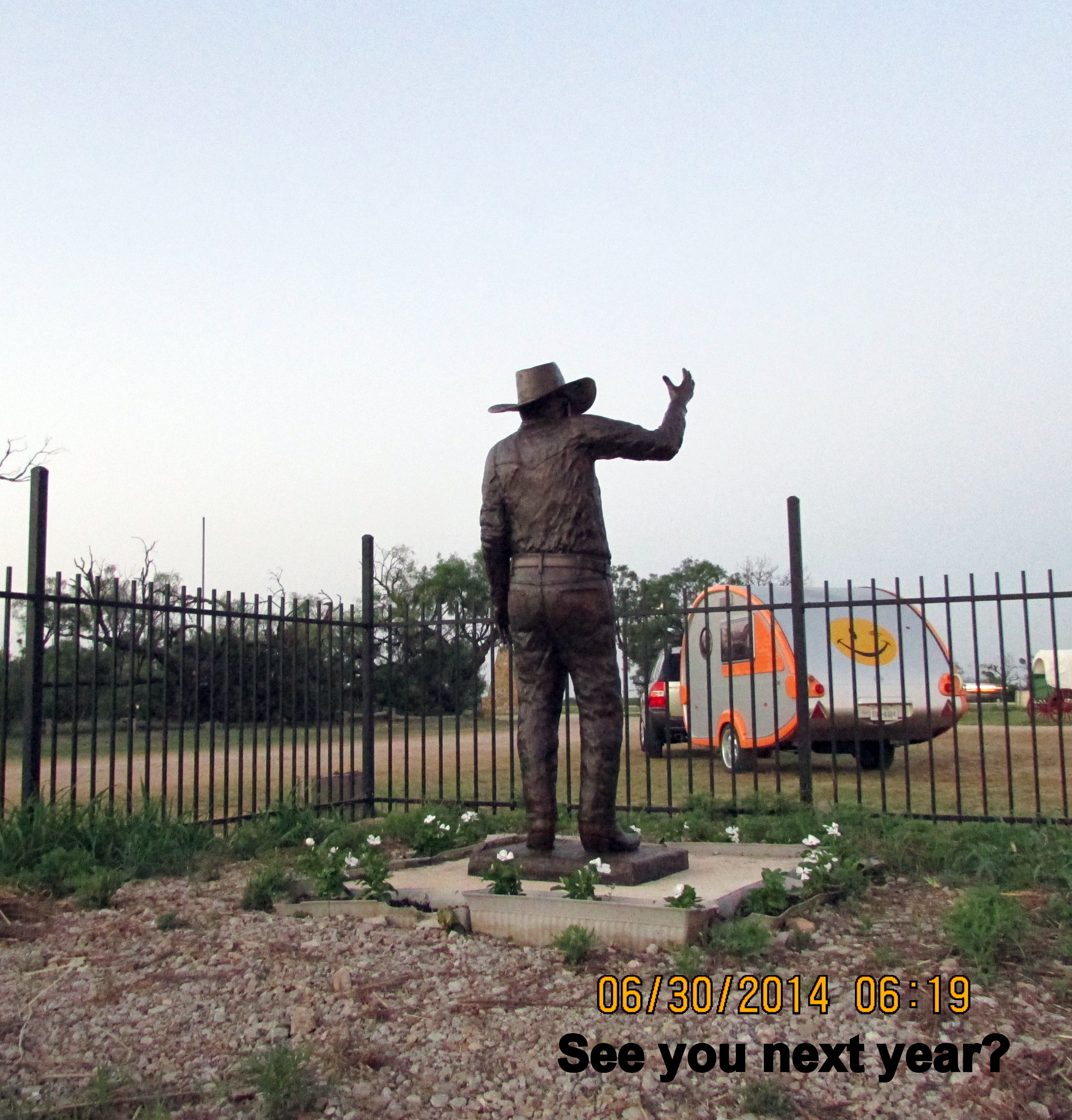
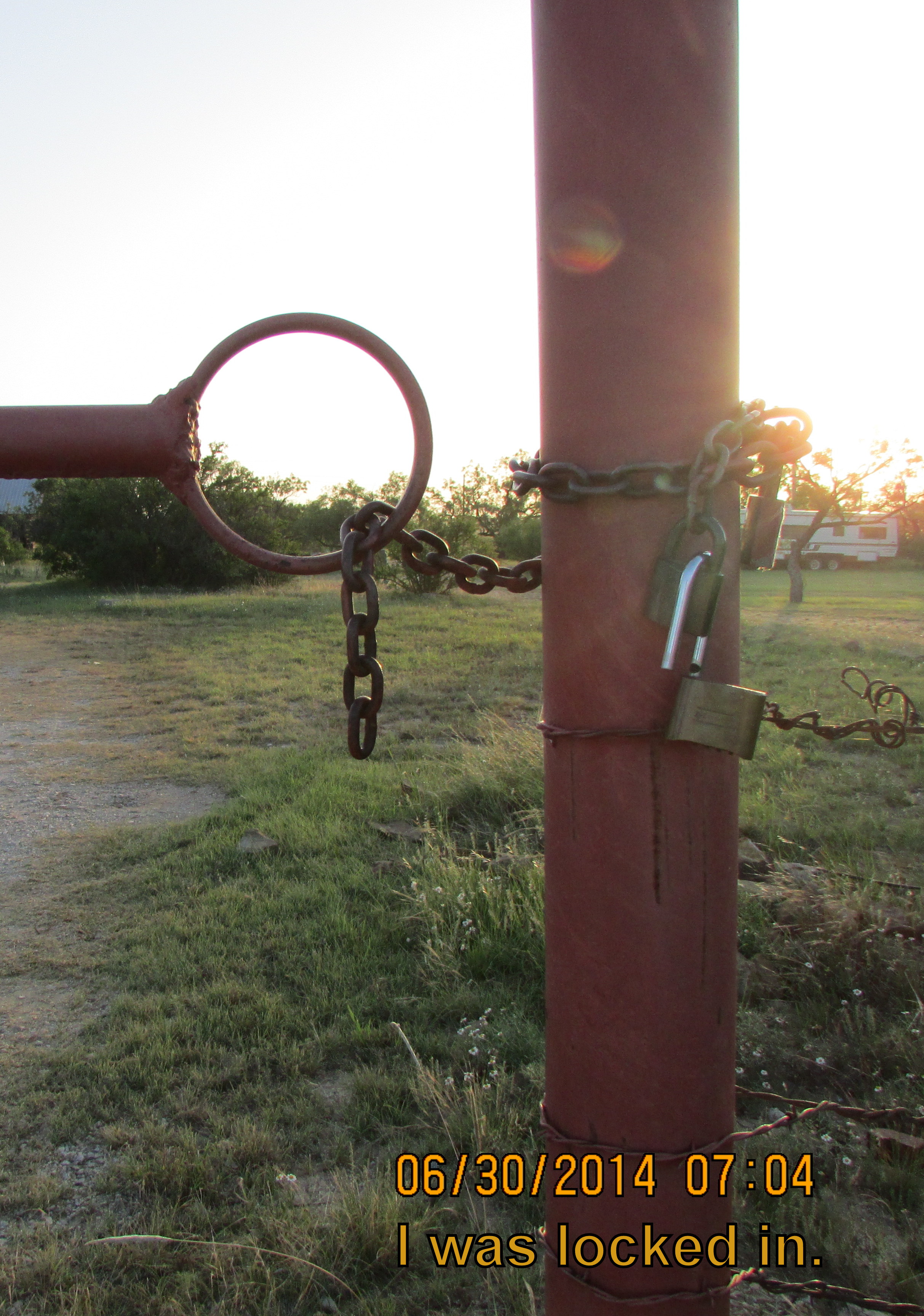
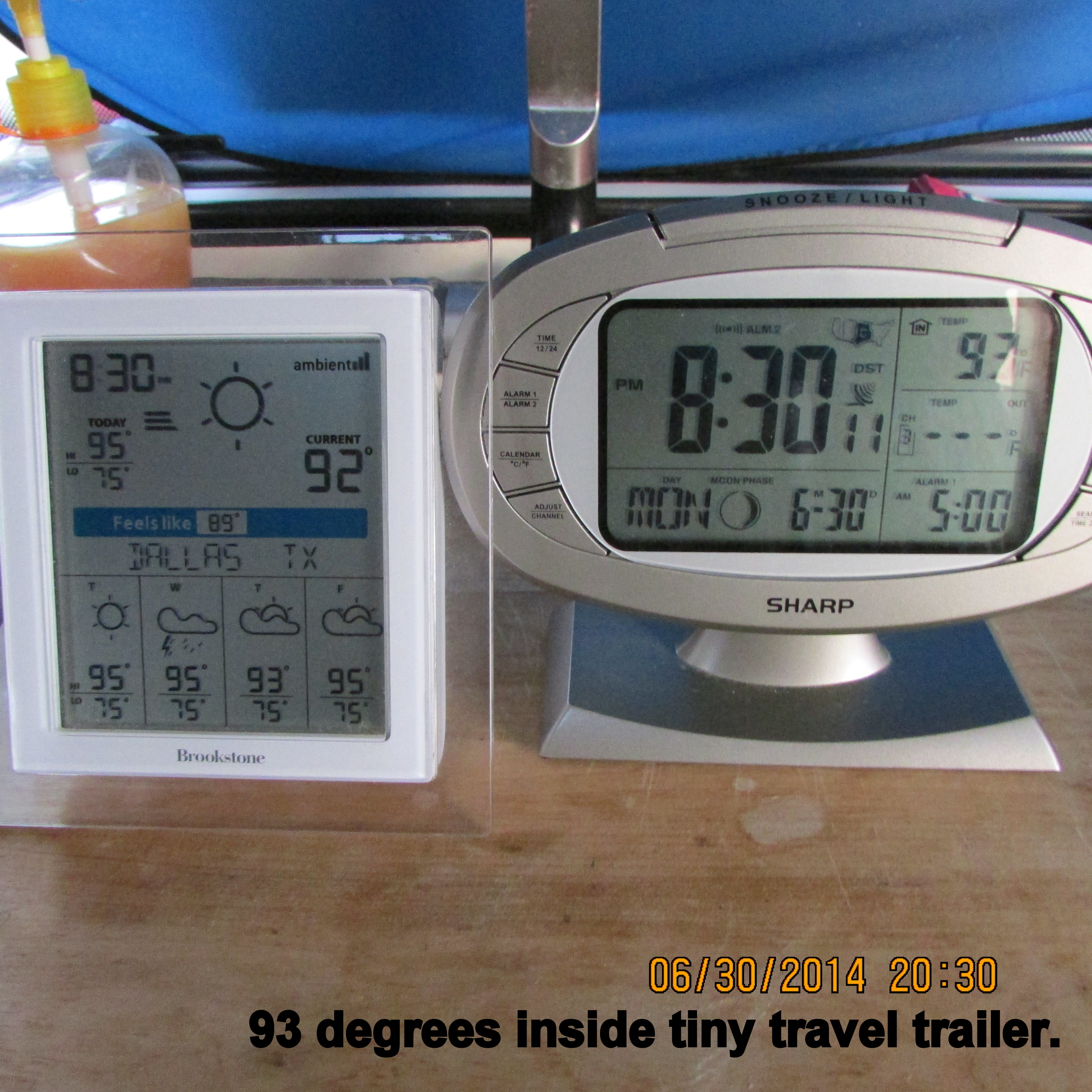
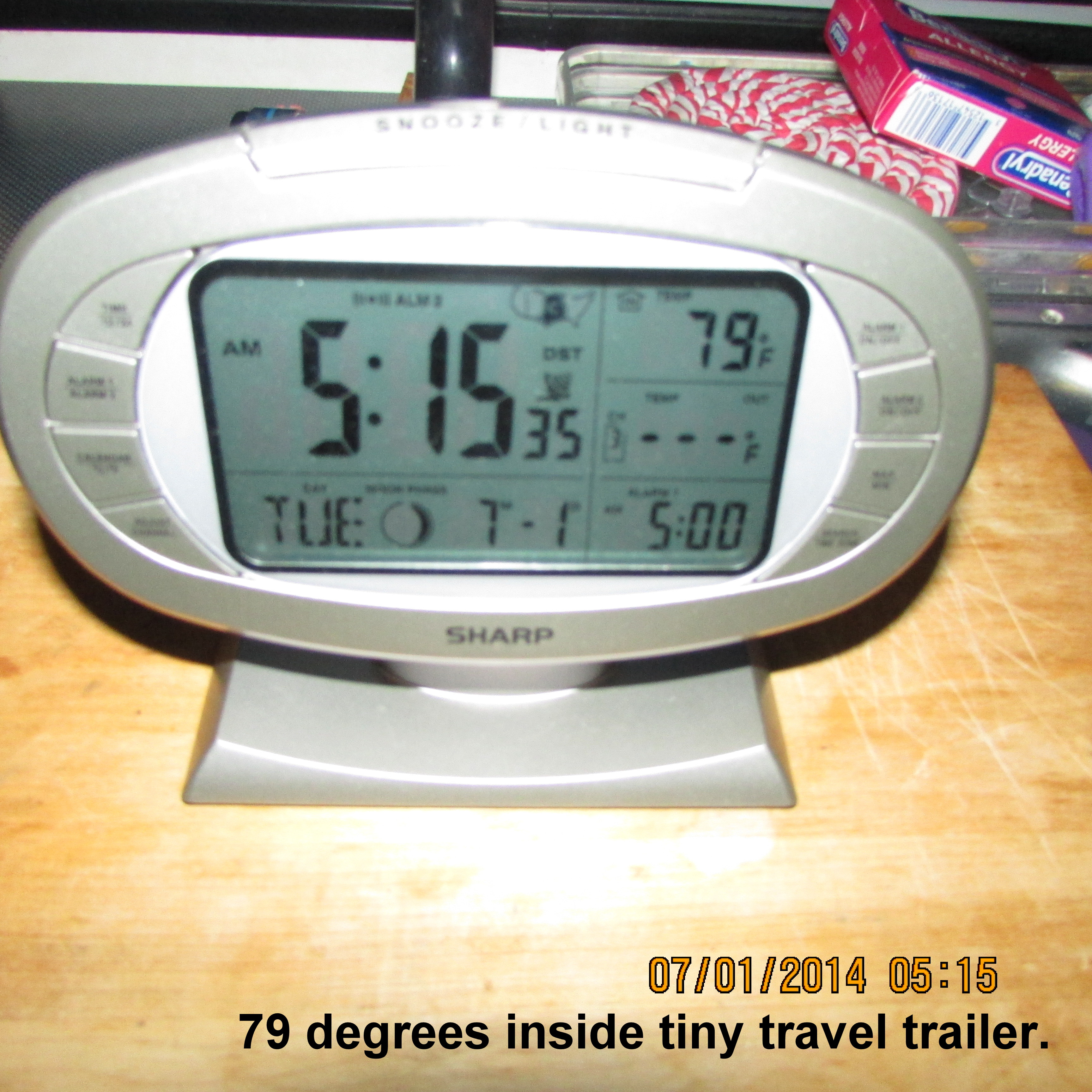
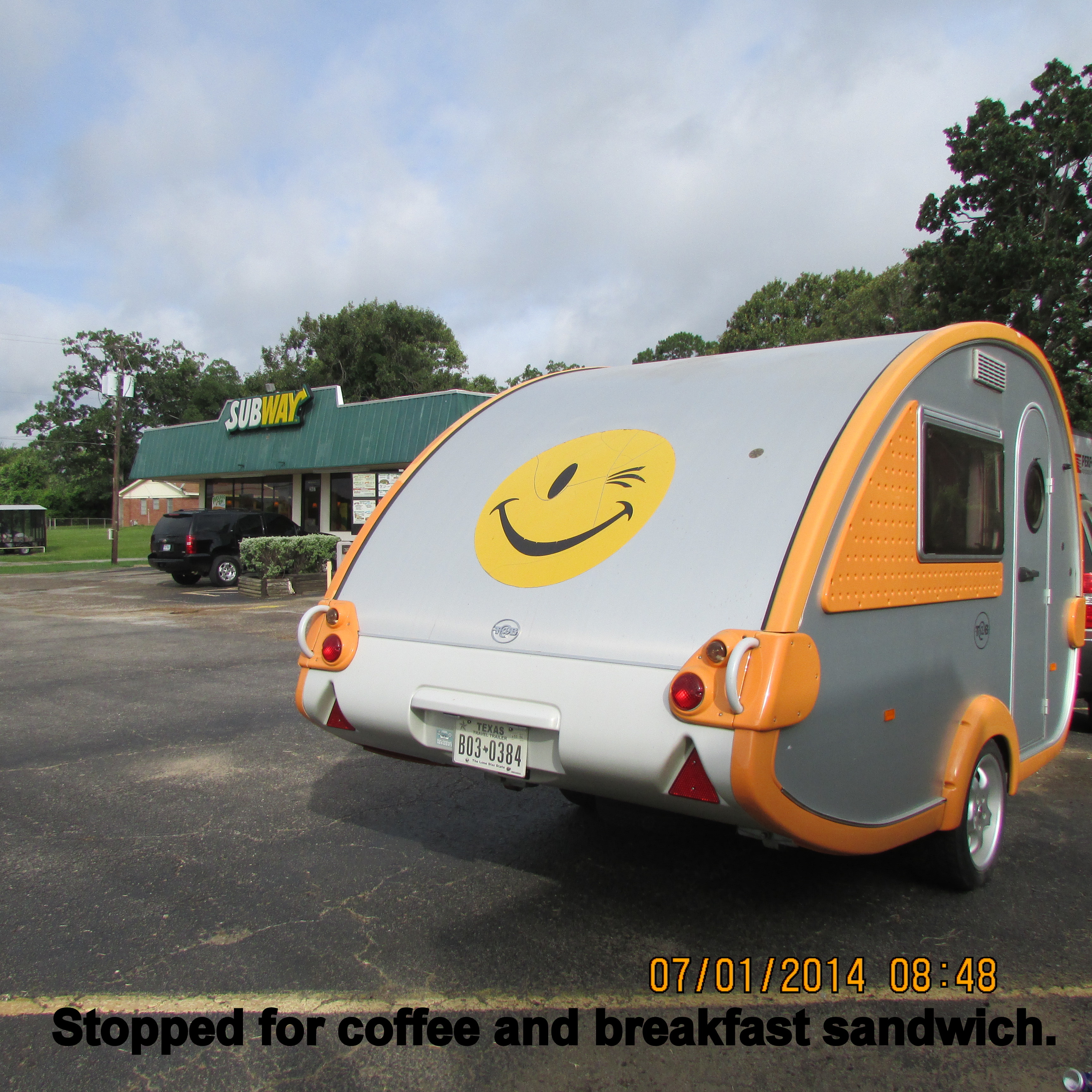
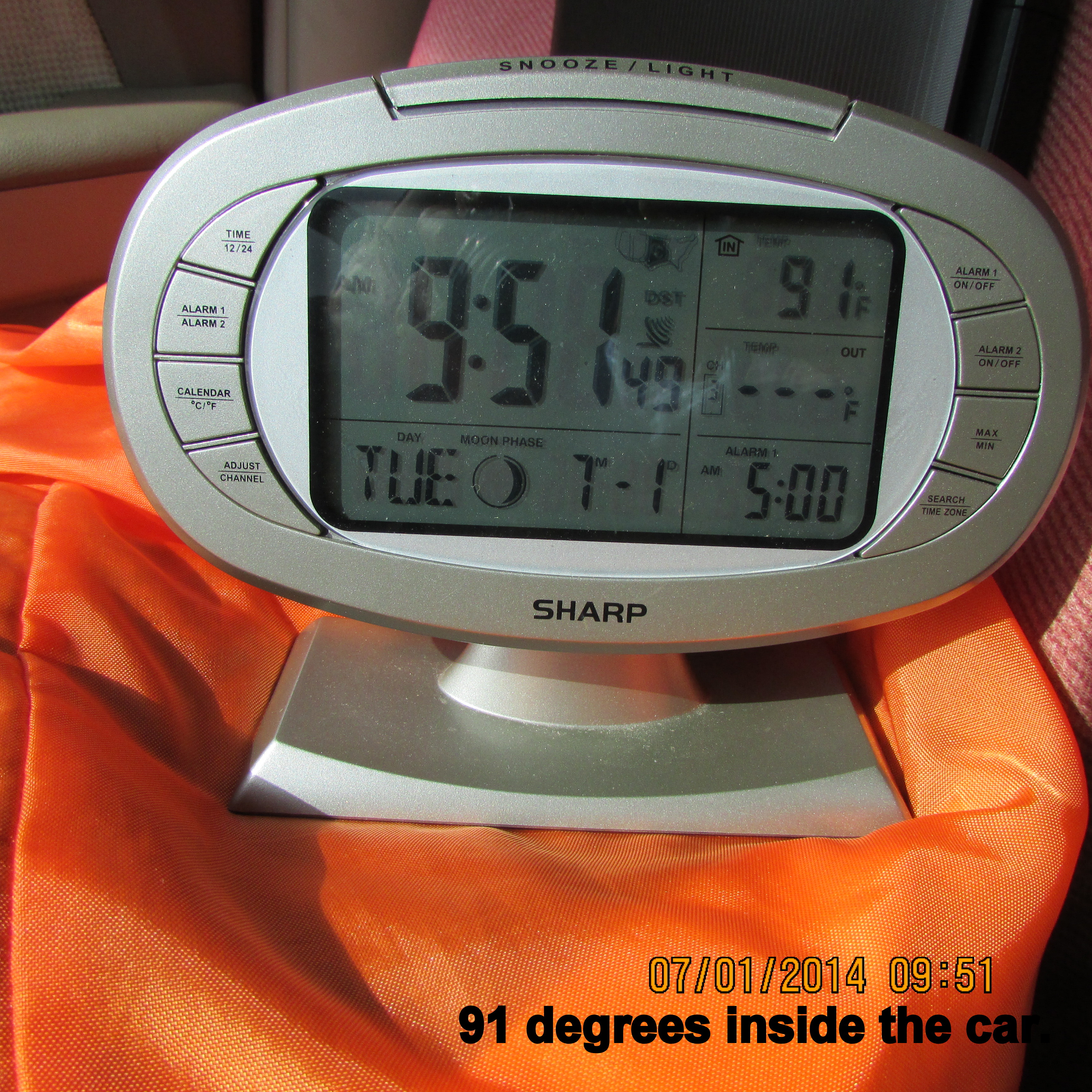
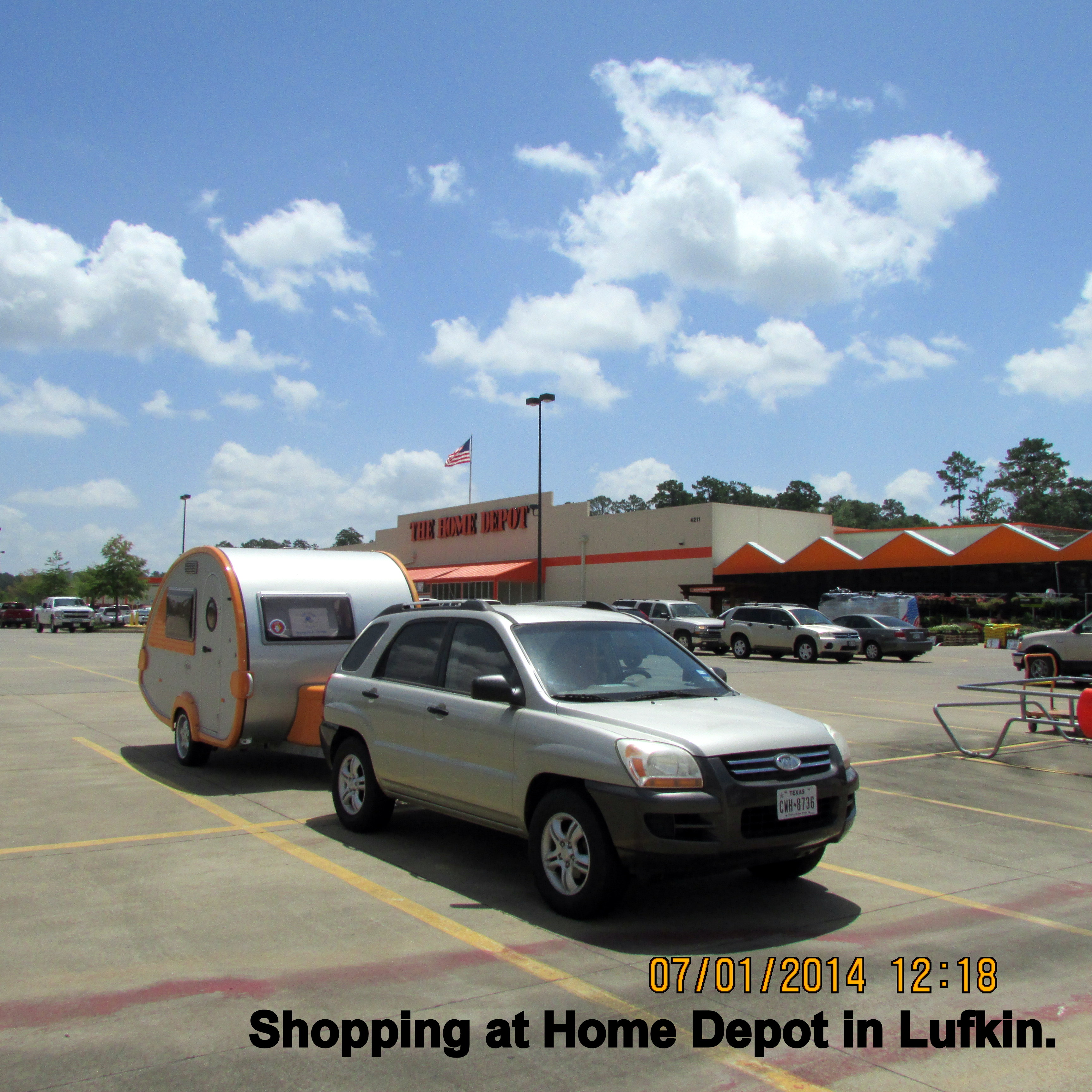
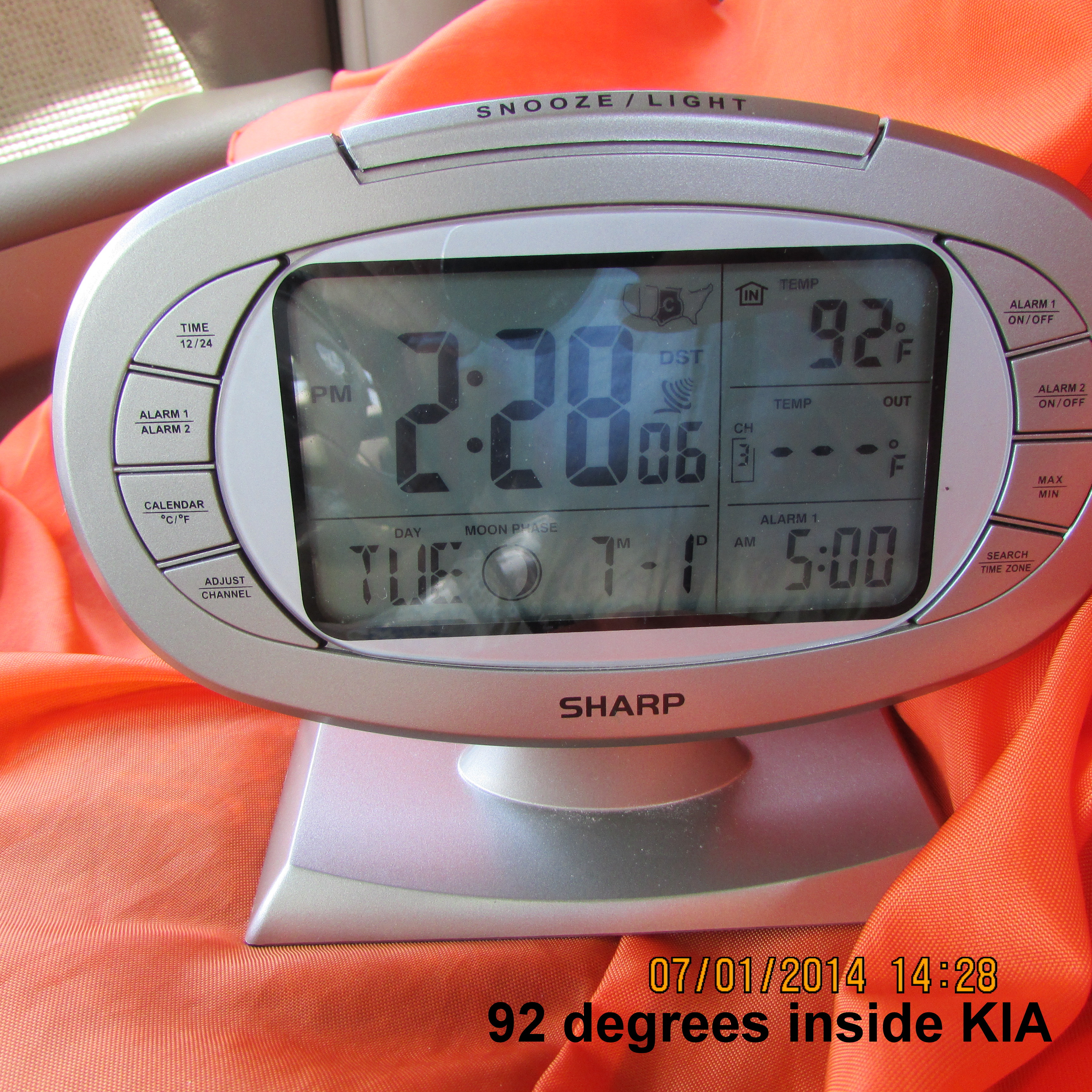
After I upload the pictures from my Canon camera, I look at each picture and edit it. As you have noticed, I like to add an explanation to some of the pictures.
~~~~~~~~~~~
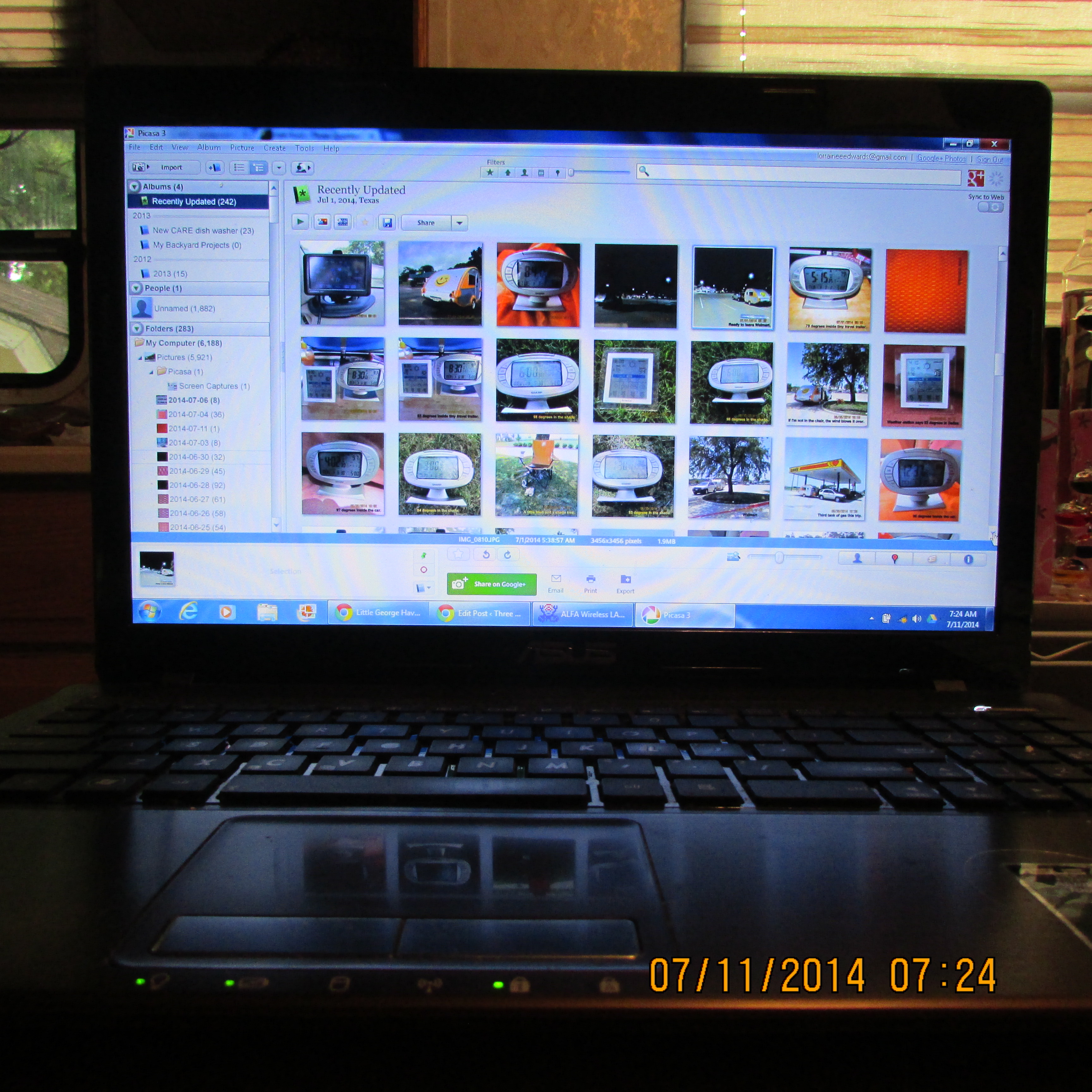
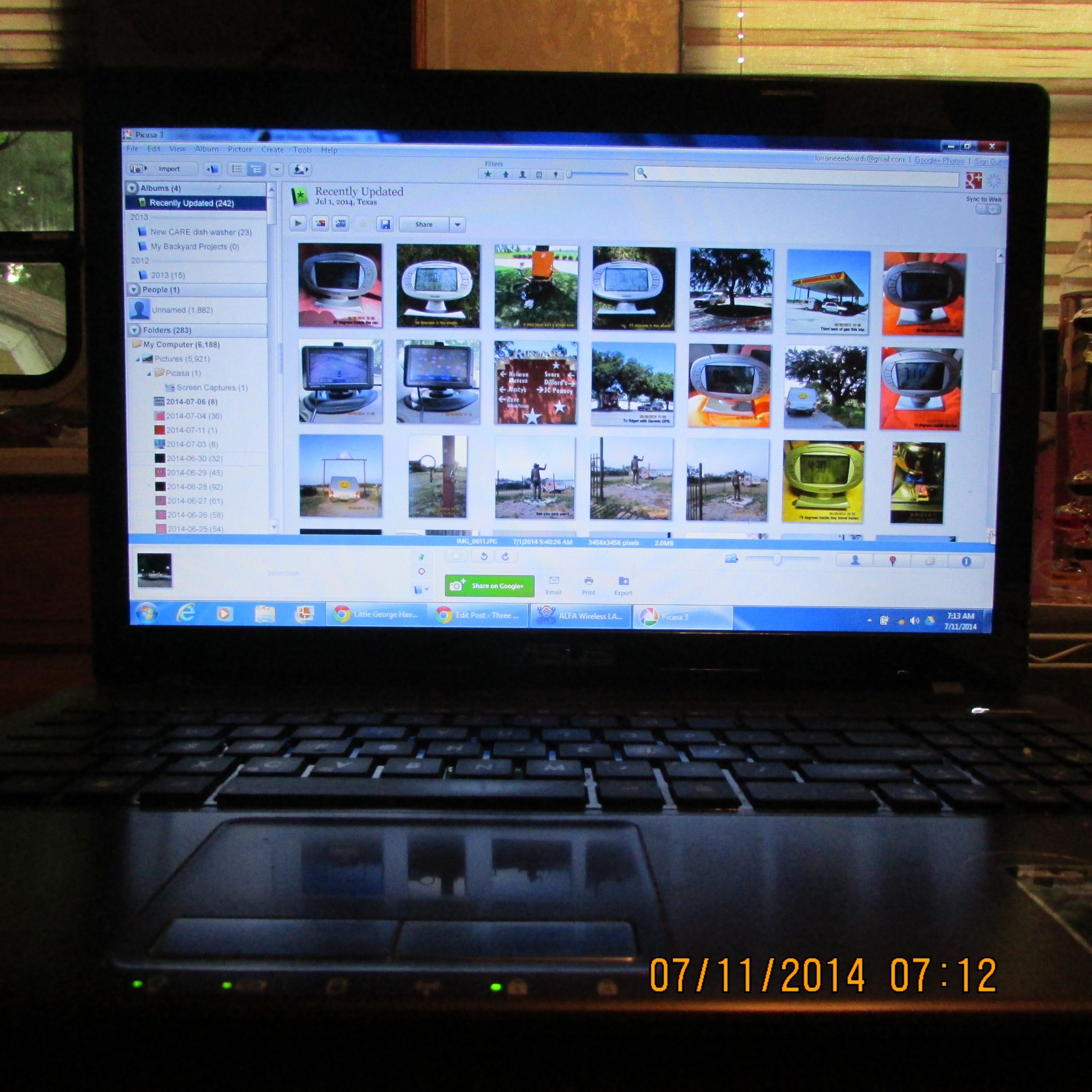
 The pictures in Picasa.
~~~~~~~~~~~
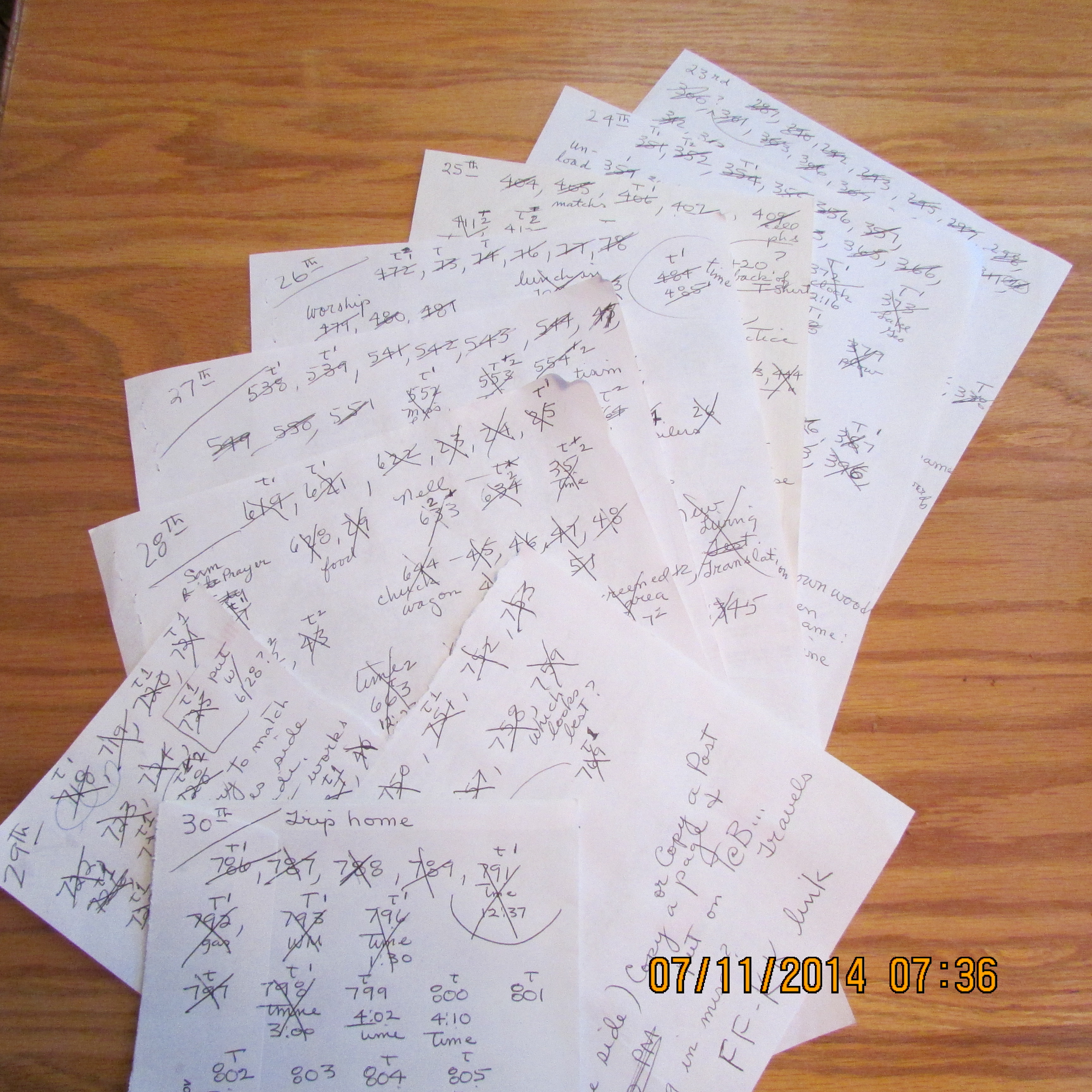
 I scribble the image number on scratch paper. Later, I cross it off when it has been inserted. Imagine: Over 600 pictures for Little George Havens’ Cowboy Camp Meeting.
~~~~~~~~~~~
 Each image is scrutinized.
~~~~~~~~~~~
 Retrieving the picture and editing it.
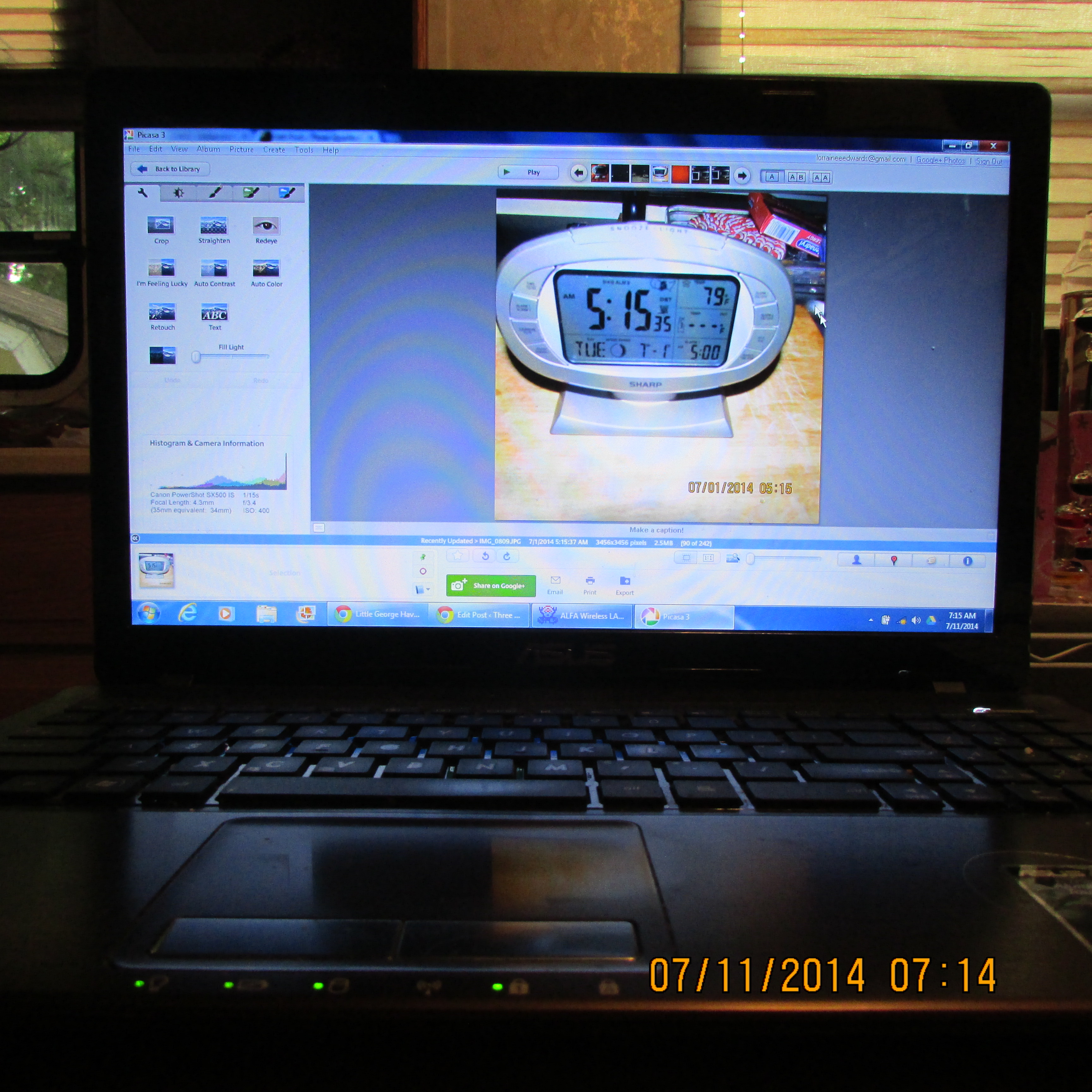
~~~~~~~~~~~
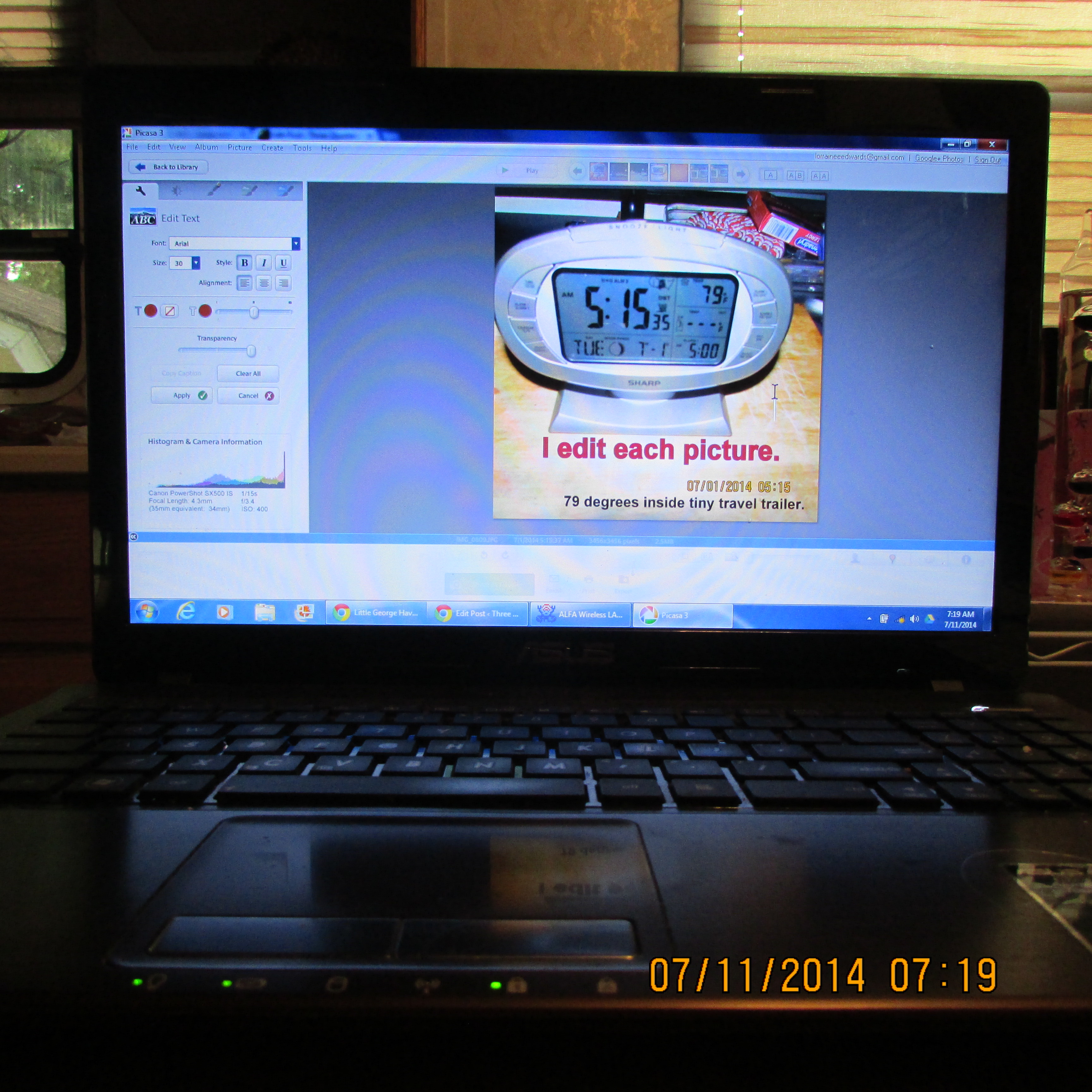
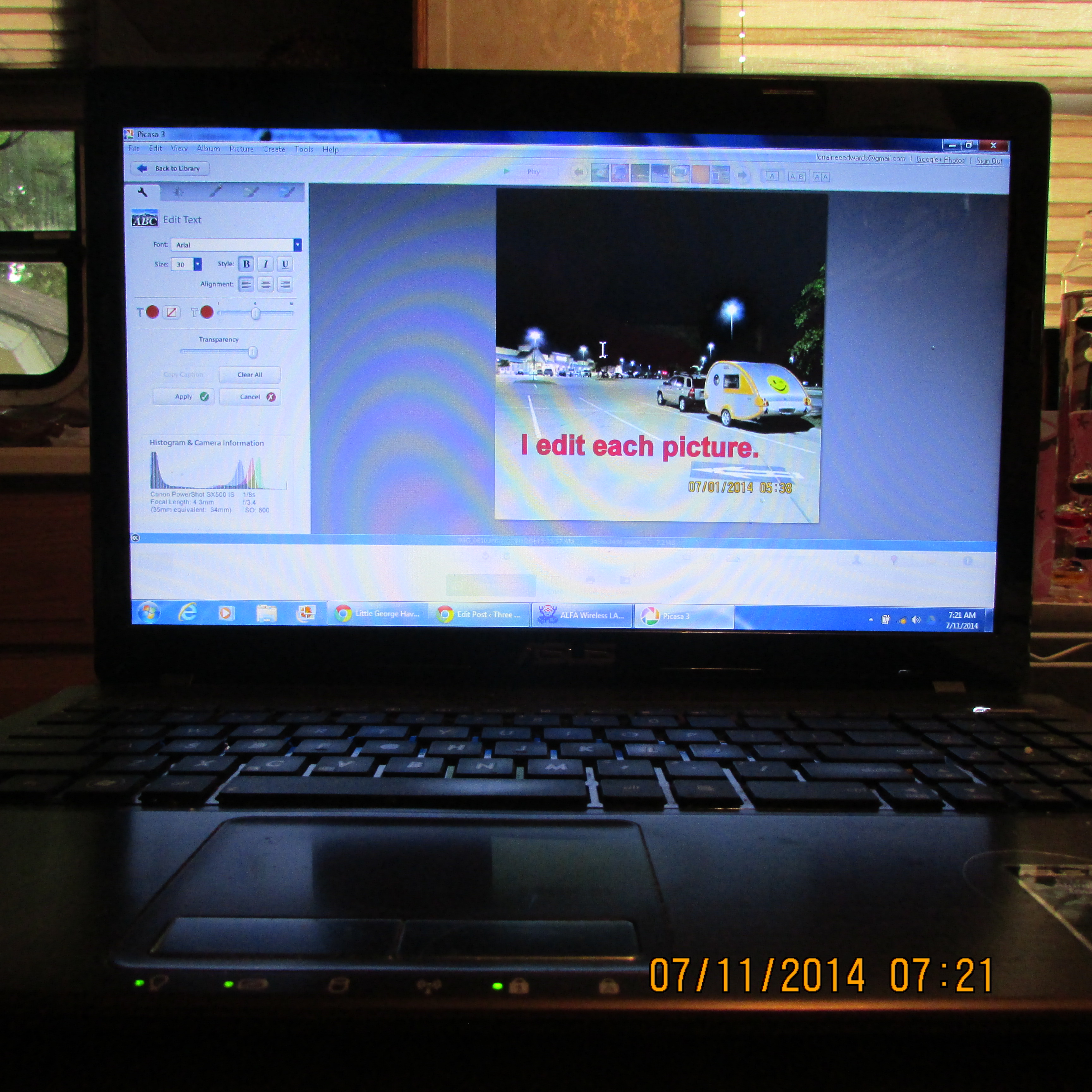
 Text is added to a picture.
~~~~~~~~~~~
 I edit each picture.
~~~~~~~~~~~
 Text was added.

~~~~~~~~~~~
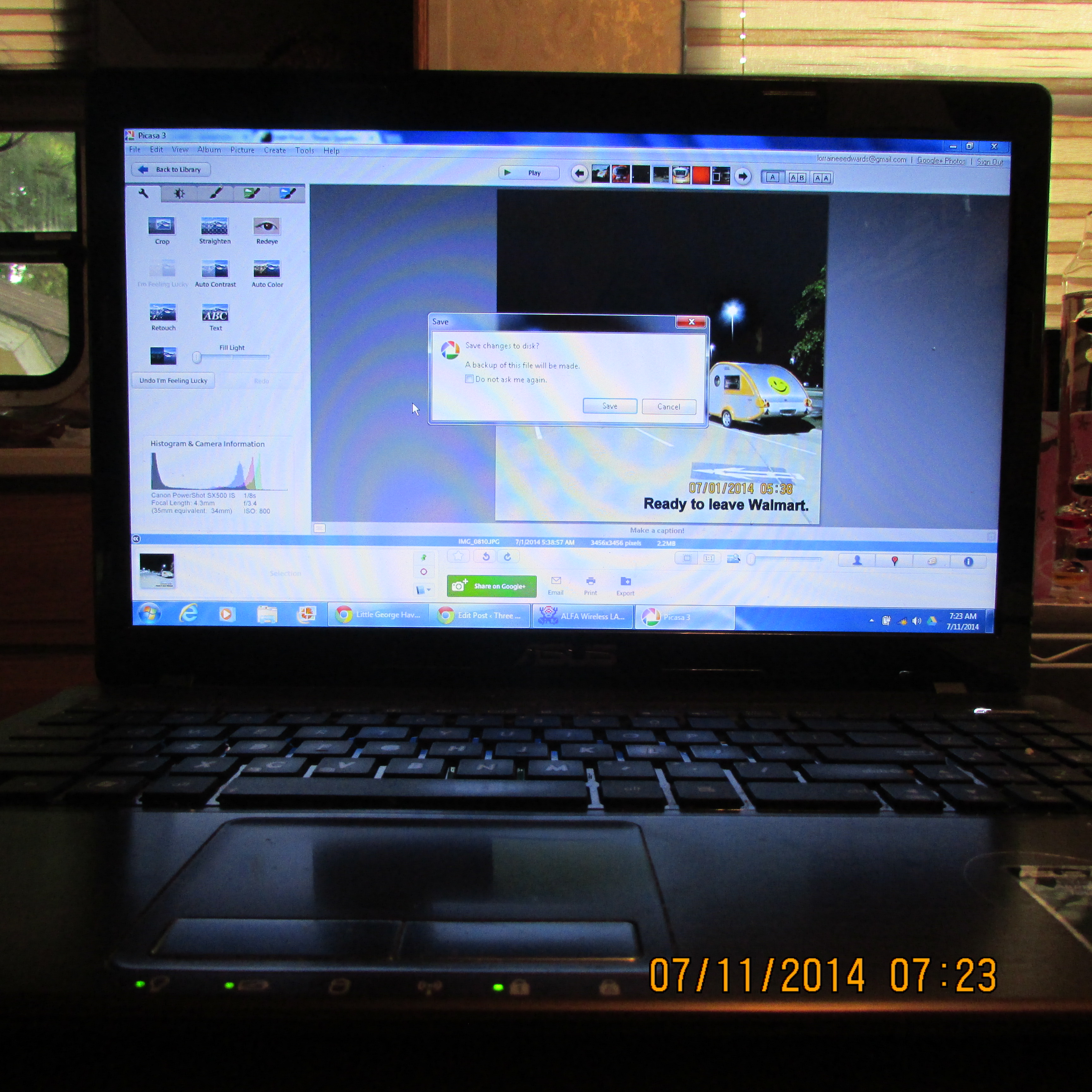
 “Saving” the edited picture.
~~~~~~~~~~~
 No actual image when I want to add to the blog. That’s why I write down image number on scratch paper.
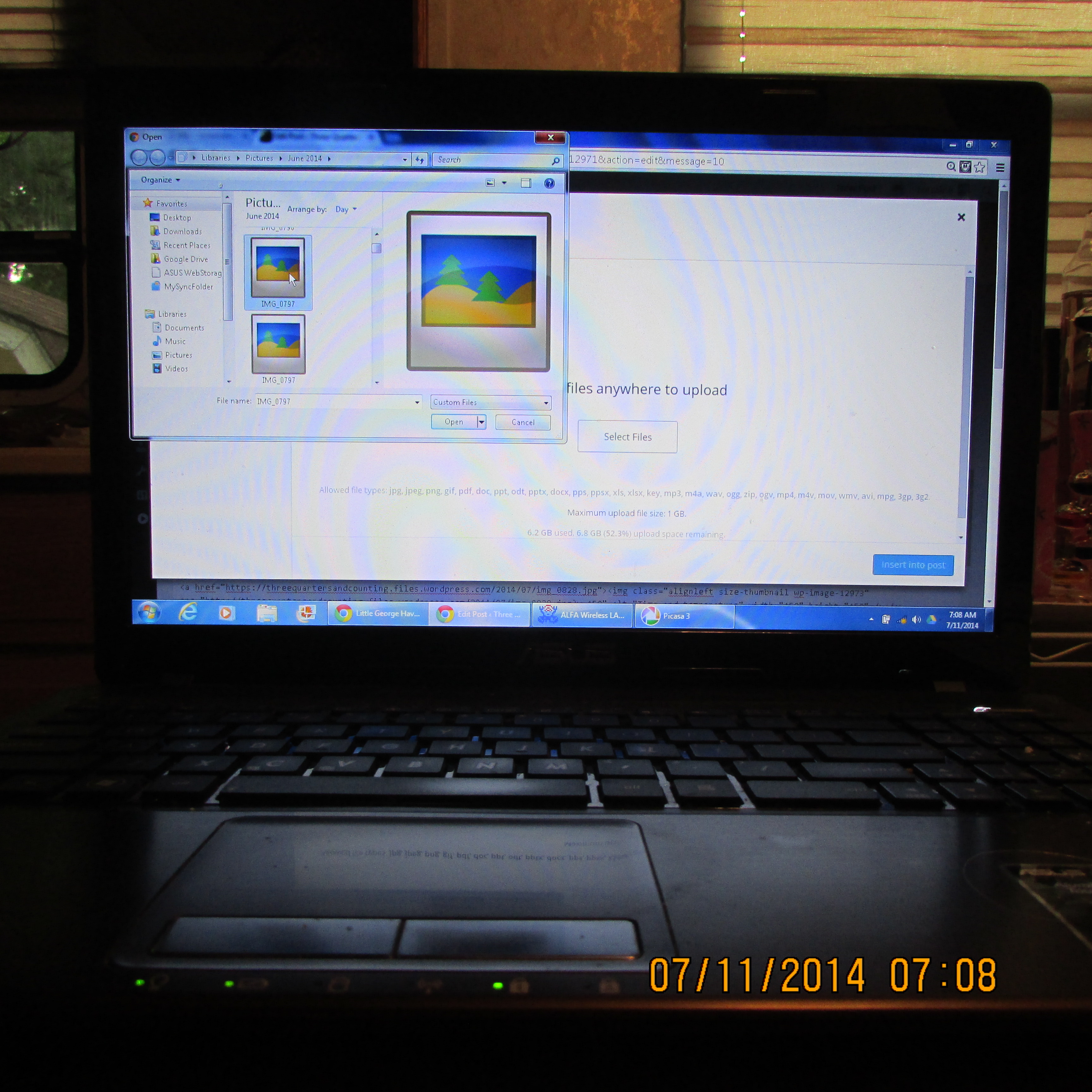
~~~~~~~~~~~
 Insert media.
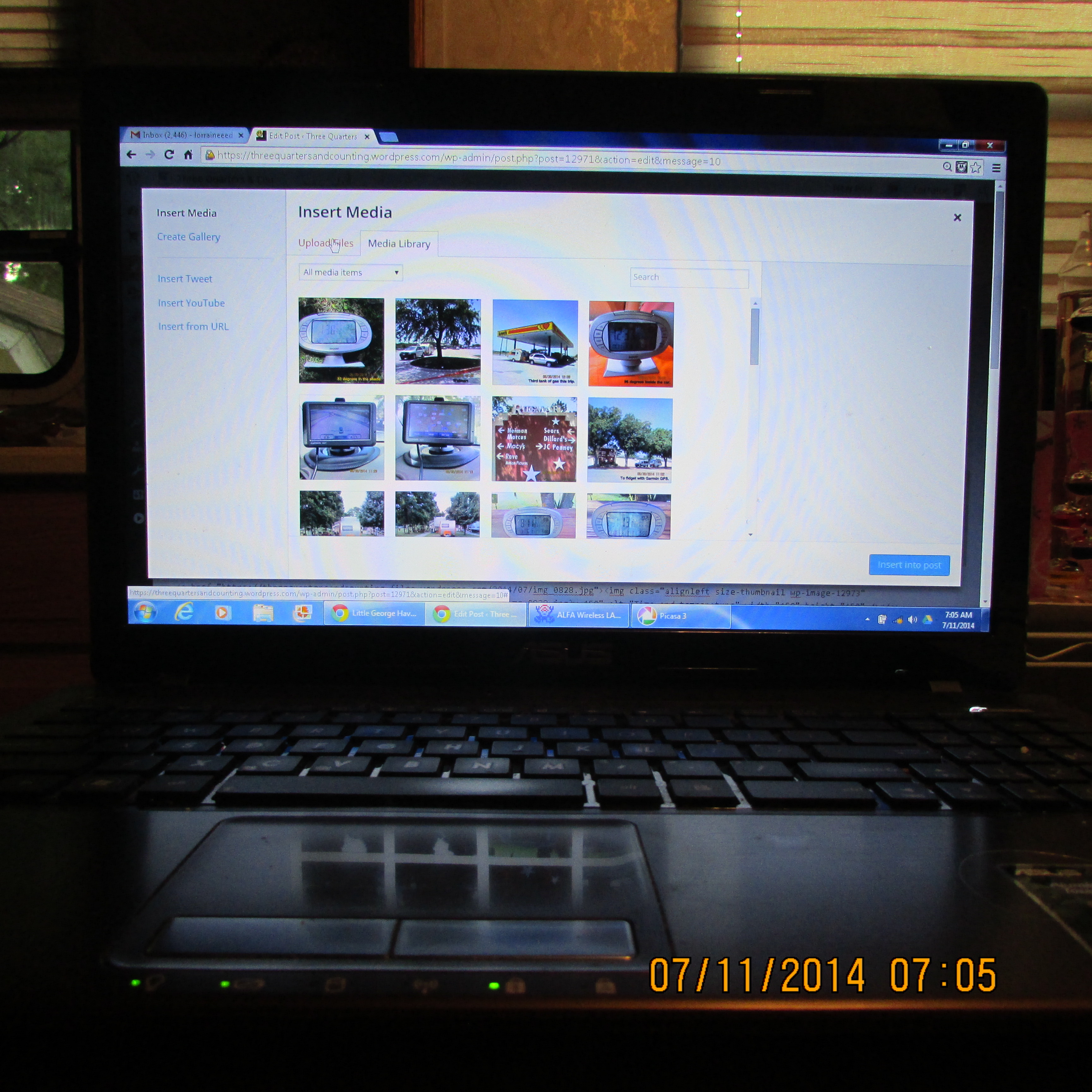
~~~~~~~~~~~
 I enter each picture individually (in the “text” area rather than “visual”).
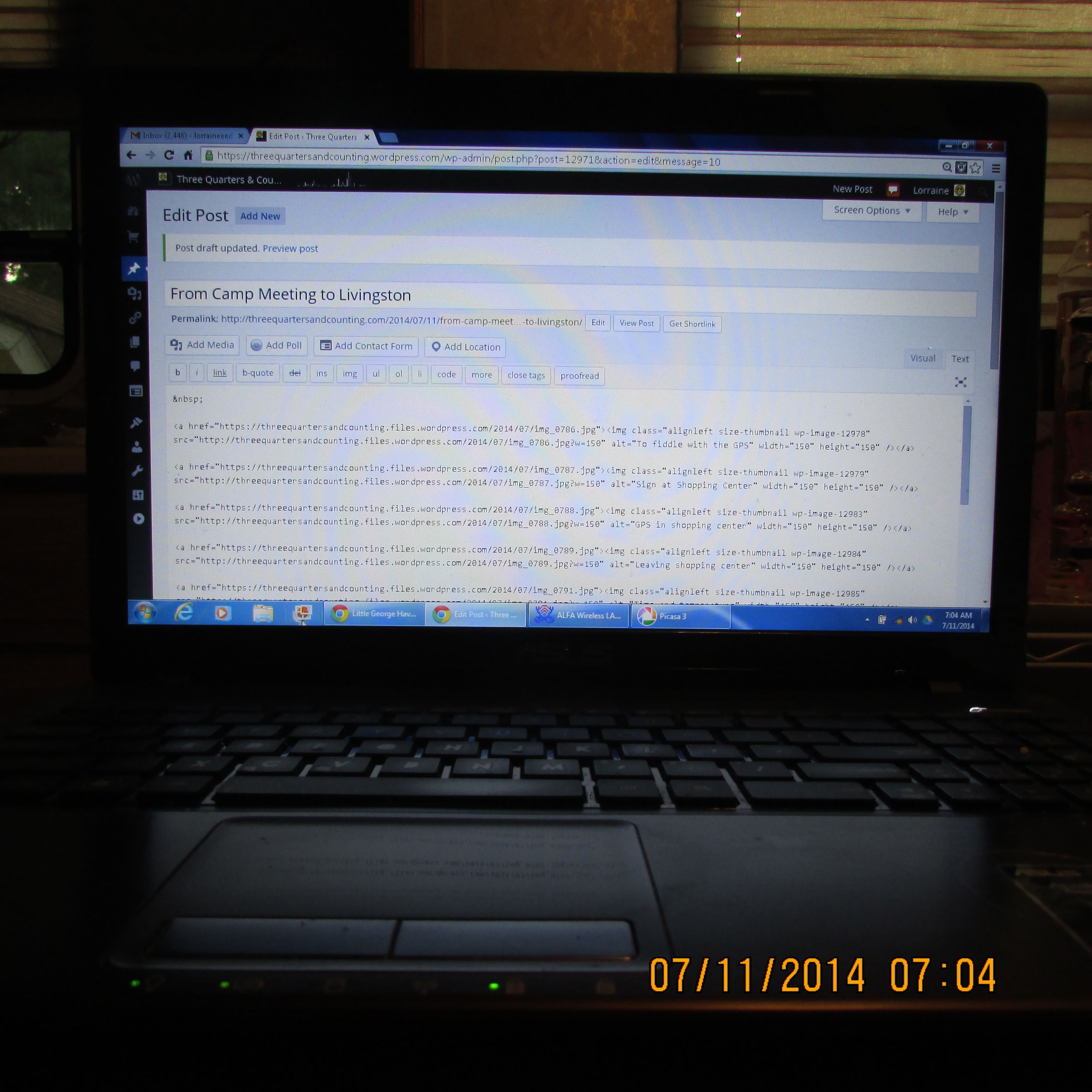
~~~~~~~~~~~
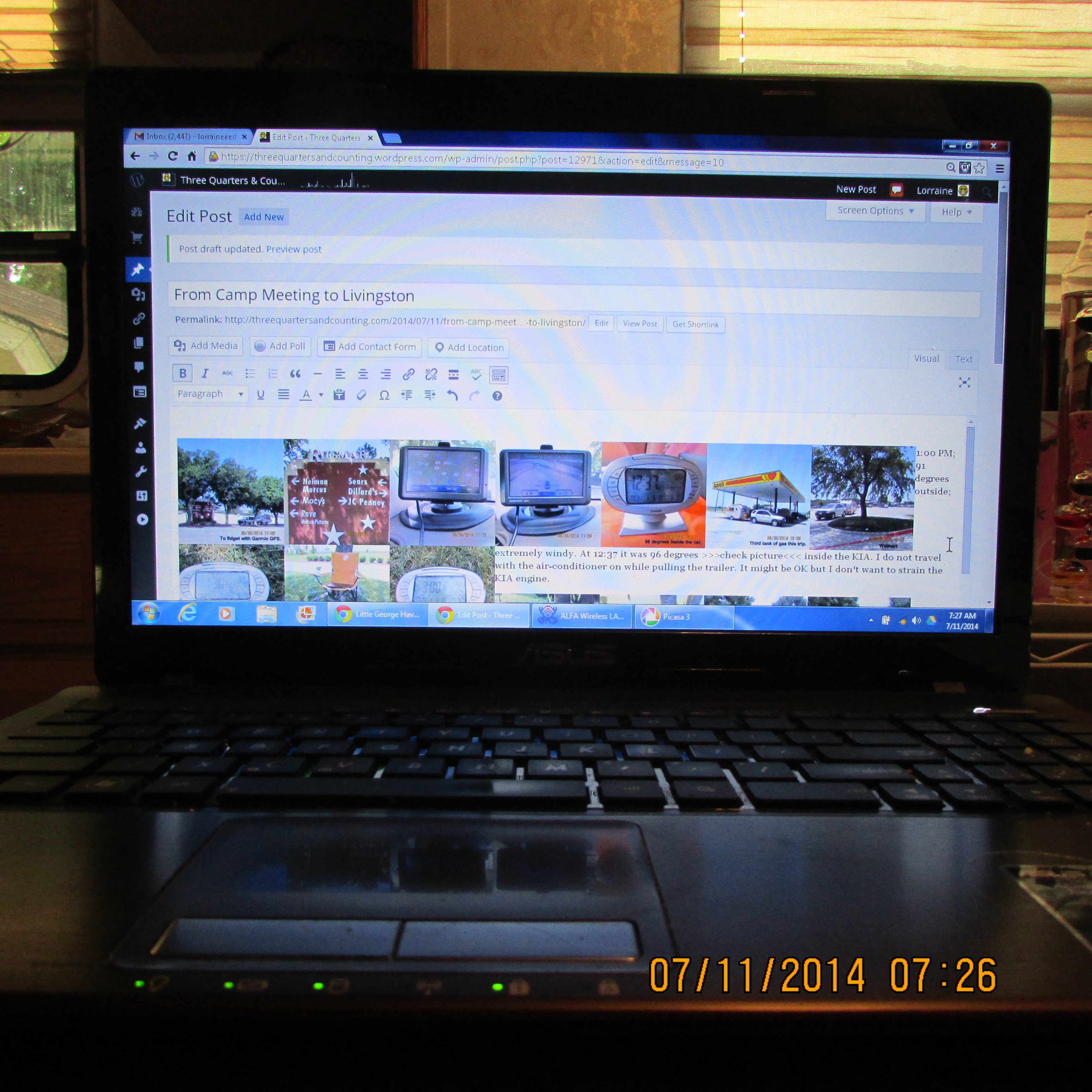
 Preview in “visual” area of edit post.
~~~~~~~~~~~
 Previewing the message before it is published to be certain it meets with my approval.

~~~~~~~~~~~
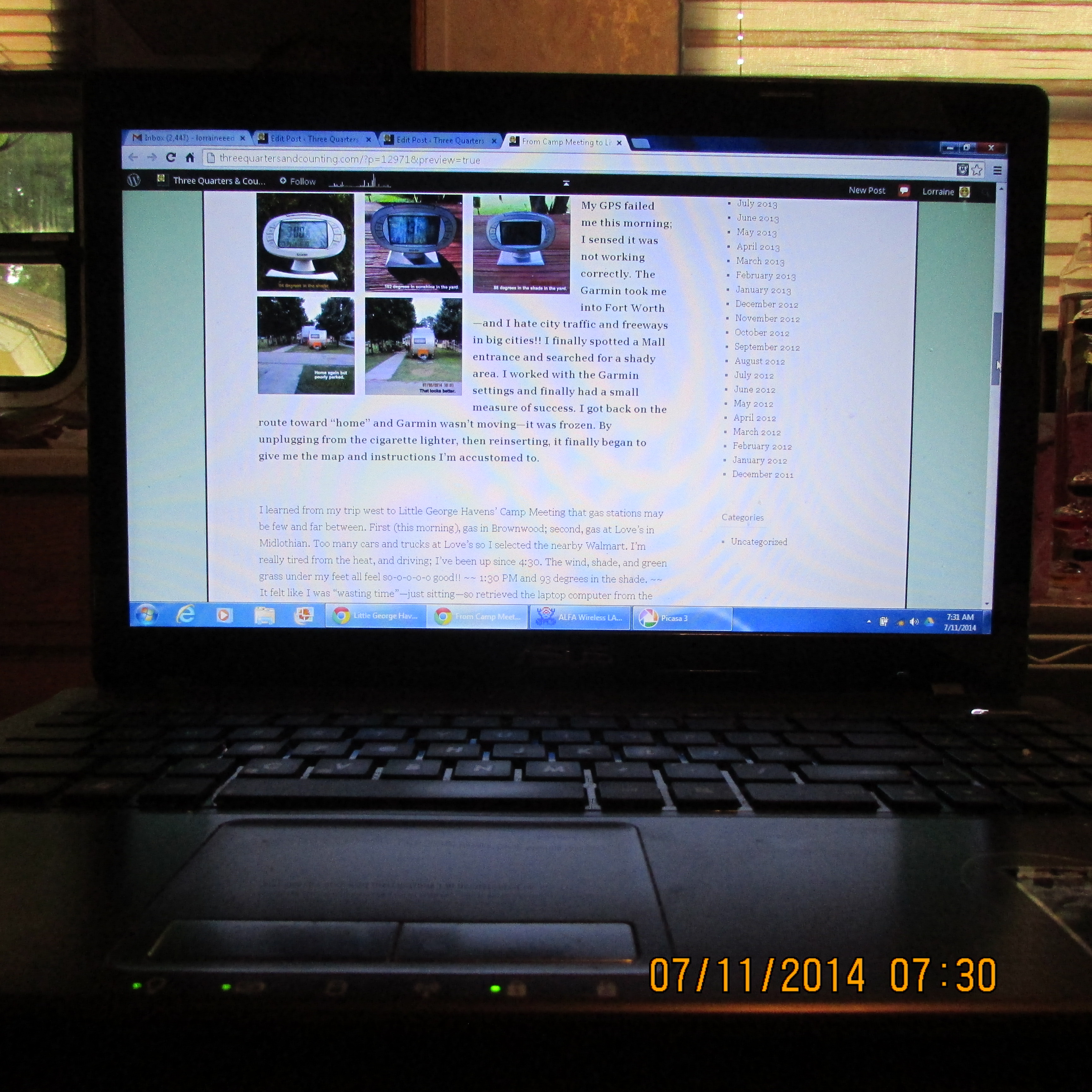
 As it appears in the published blog.
~~~~~~~~~~~

 Even I am confused!! (You’re not alone!) I could be doing laundry–or “downsizing”–(or a dozen other things) but I actually love to prepare blog messages. (I love the challenge.) Today I decided I’d try to share with you details regarding lengthy preparation of messages for Little George Havens’ Cowboy Camp Meeting.
~~~~~~~~~~~

~~~~~~~~~~~



 to return to this message. Read second…, use back arrow. In some cases, you may have to “X” the message to return to this message. Continue through messages one by one. Click on each picture to enlarge it for better viewing. ~~