There should be an easier way to get my pictures from Picasa to my blog. If you know how, let me know.
After I upload the pictures from my Canon camera, I look at each picture and edit it. As you have noticed, I like to add an explanation to some of the pictures.
~~~~~~~~~~~
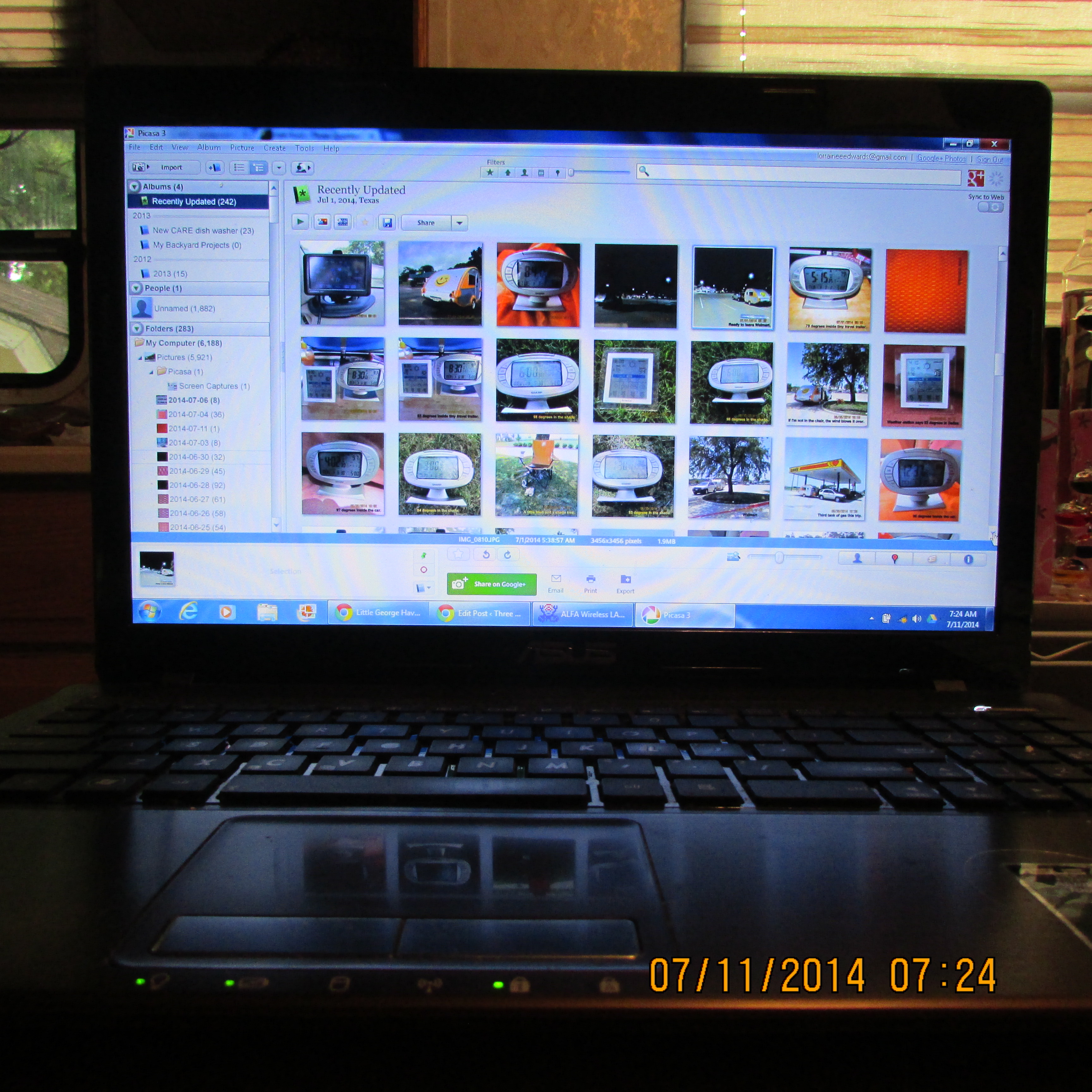
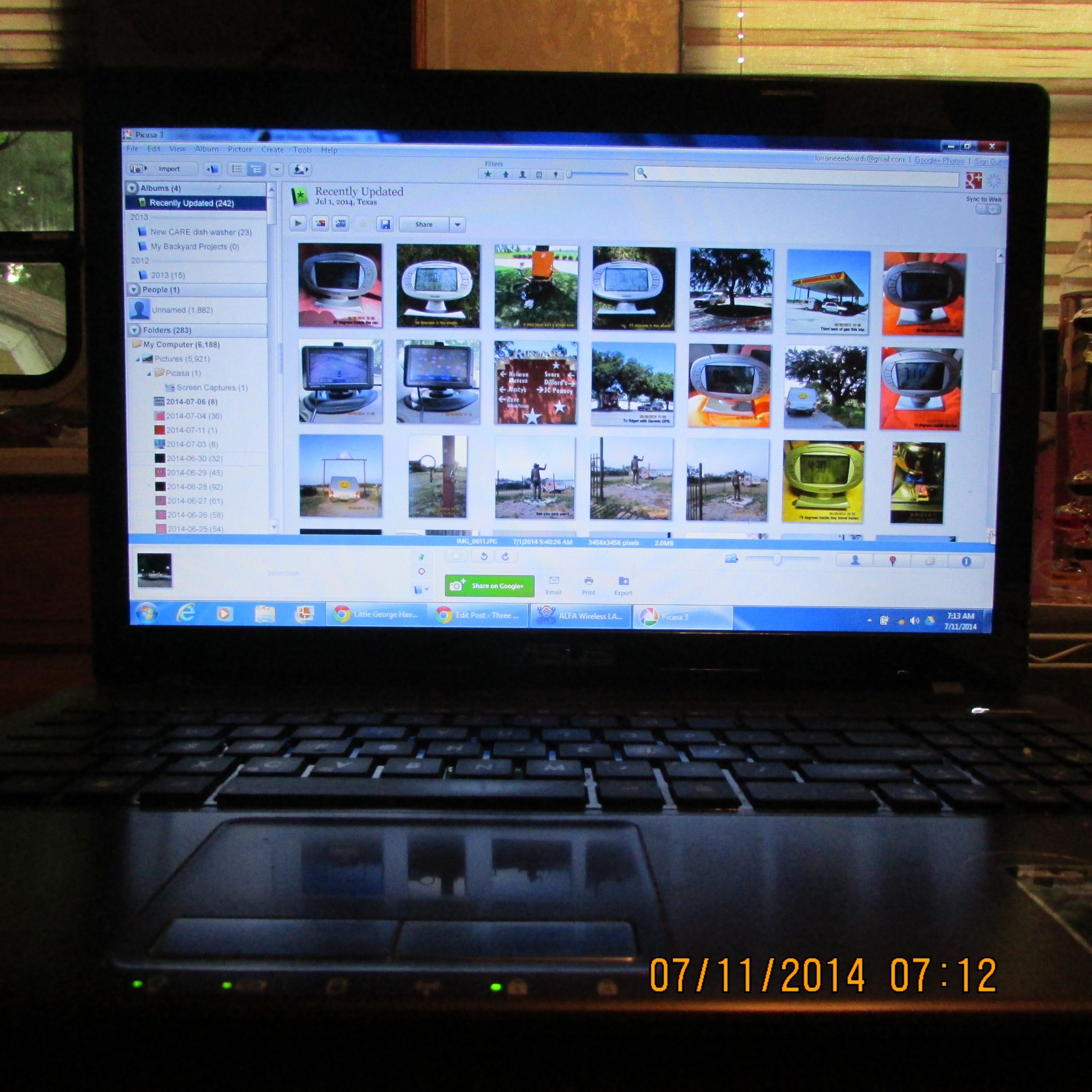
 The pictures in Picasa.
~~~~~~~~~~~
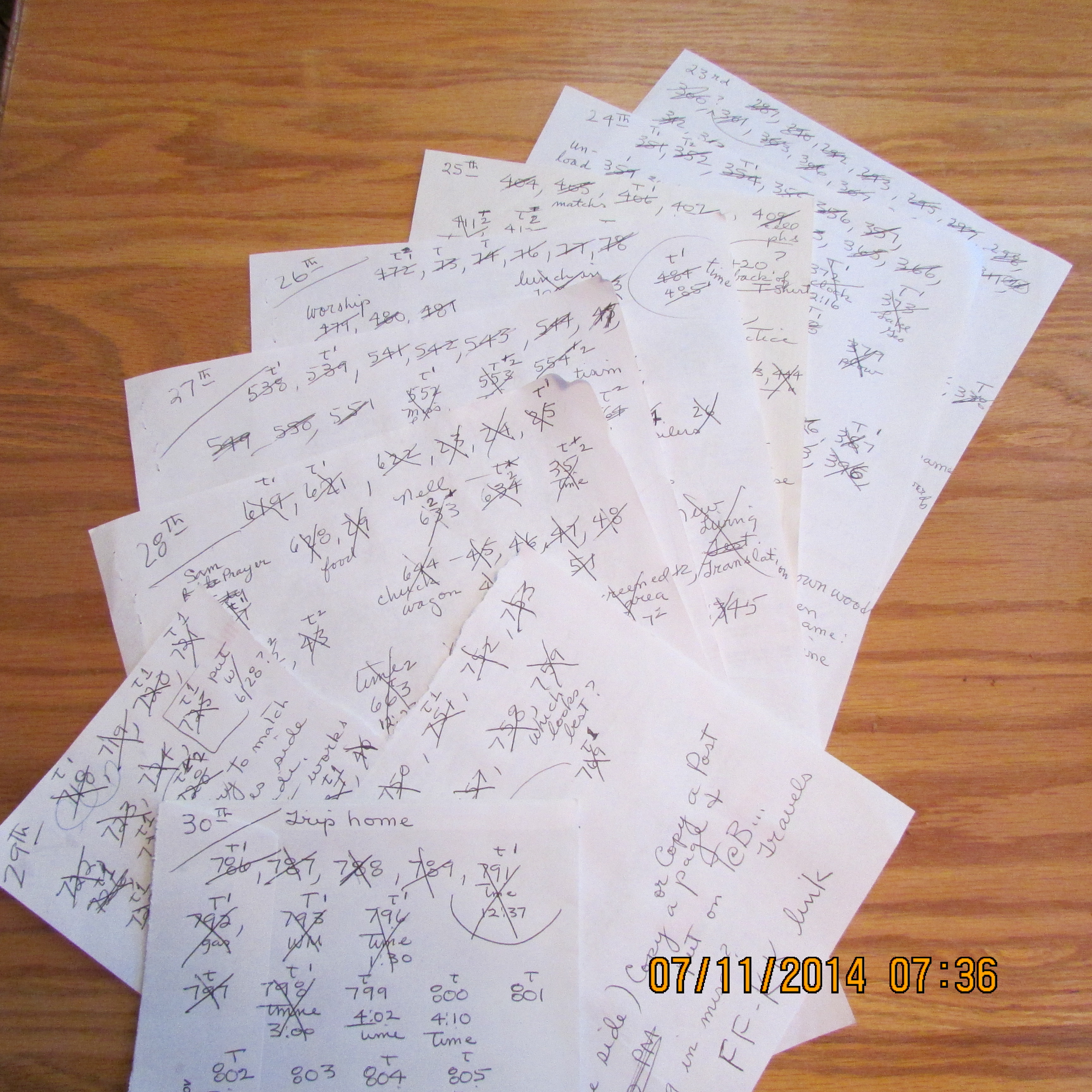
 I scribble the image number on scratch paper. Later, I cross it off when it has been inserted. Imagine: Over 600 pictures for Little George Havens’ Cowboy Camp Meeting.
~~~~~~~~~~~
 Each image is scrutinized.
~~~~~~~~~~~
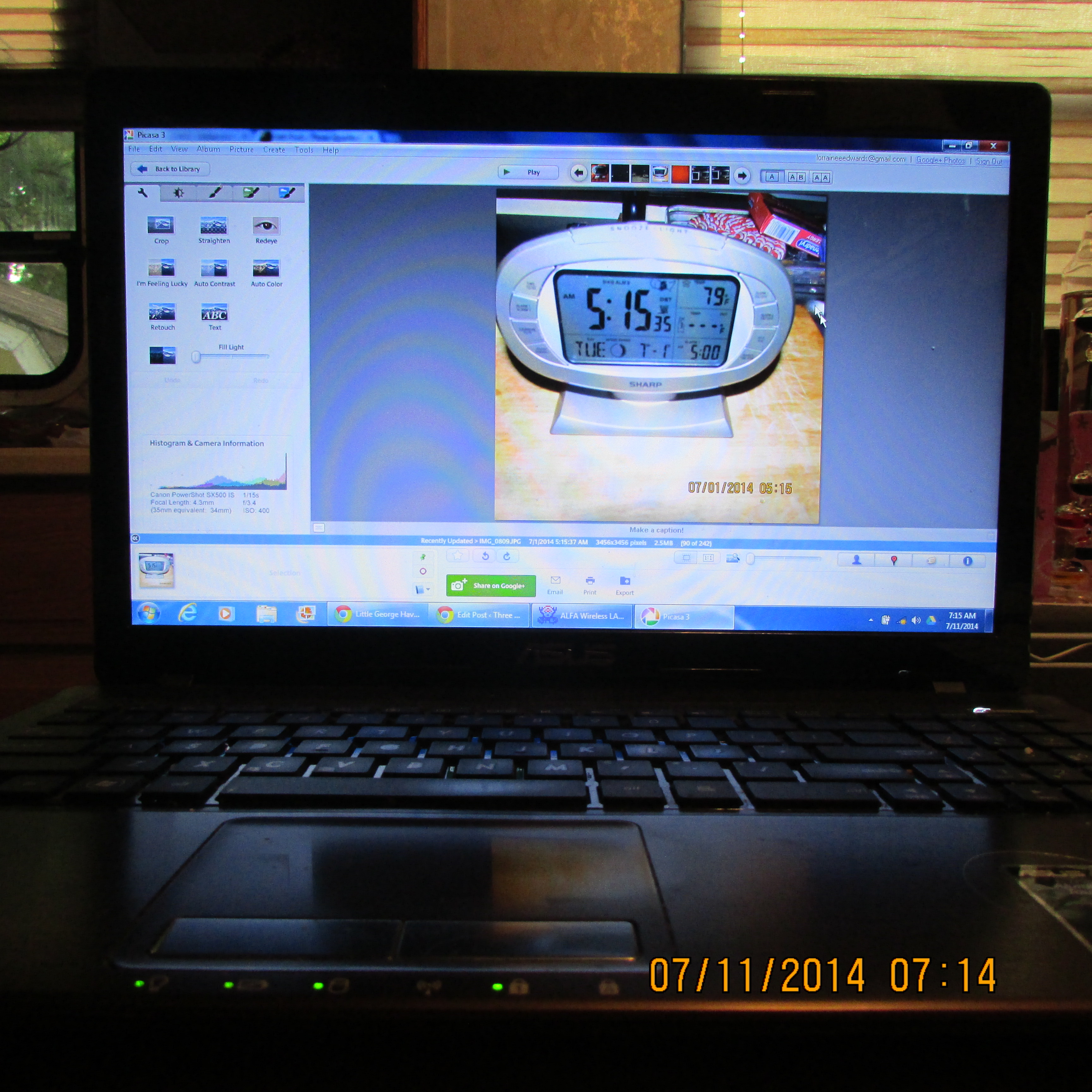
 Retrieving the picture and editing it.
~~~~~~~~~~~
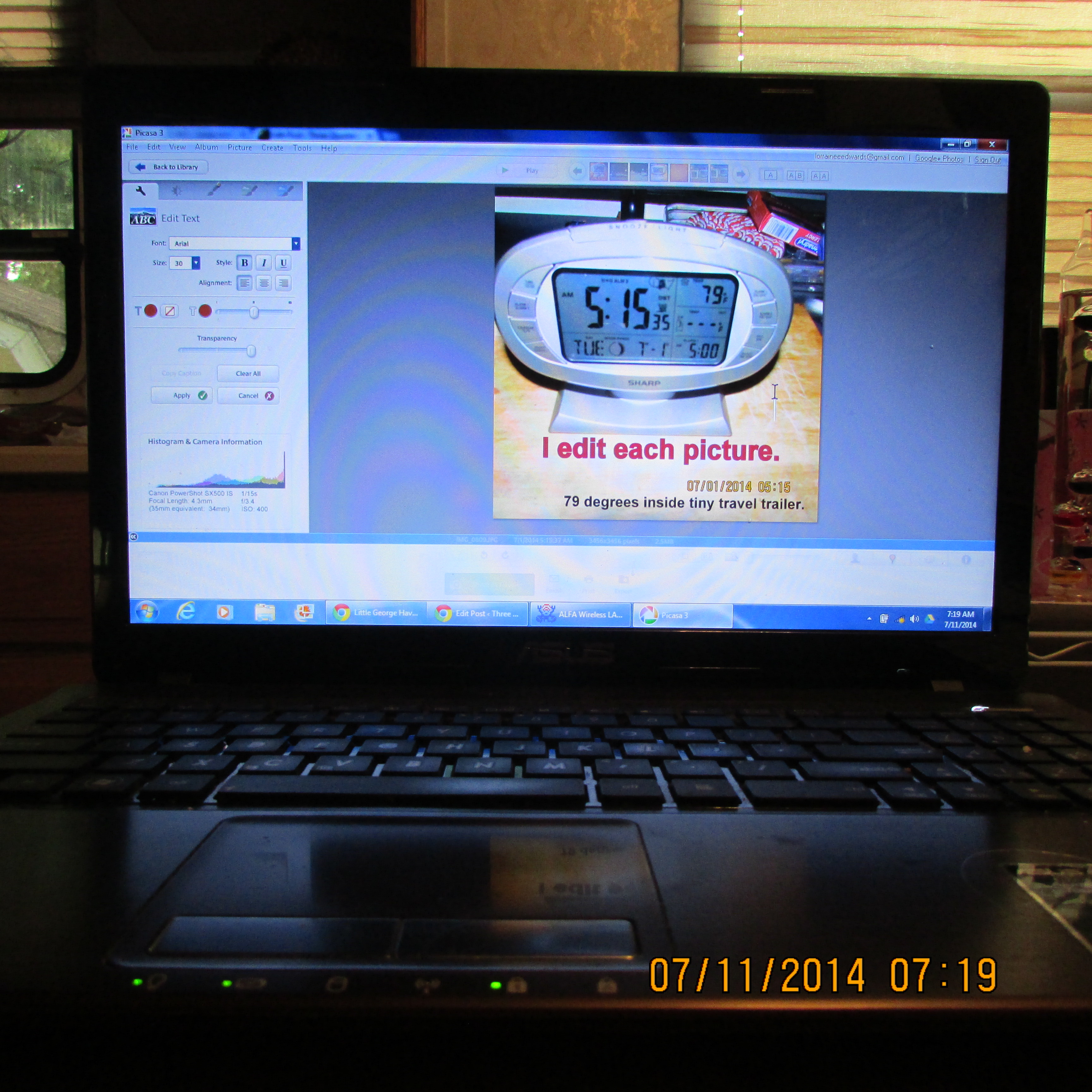
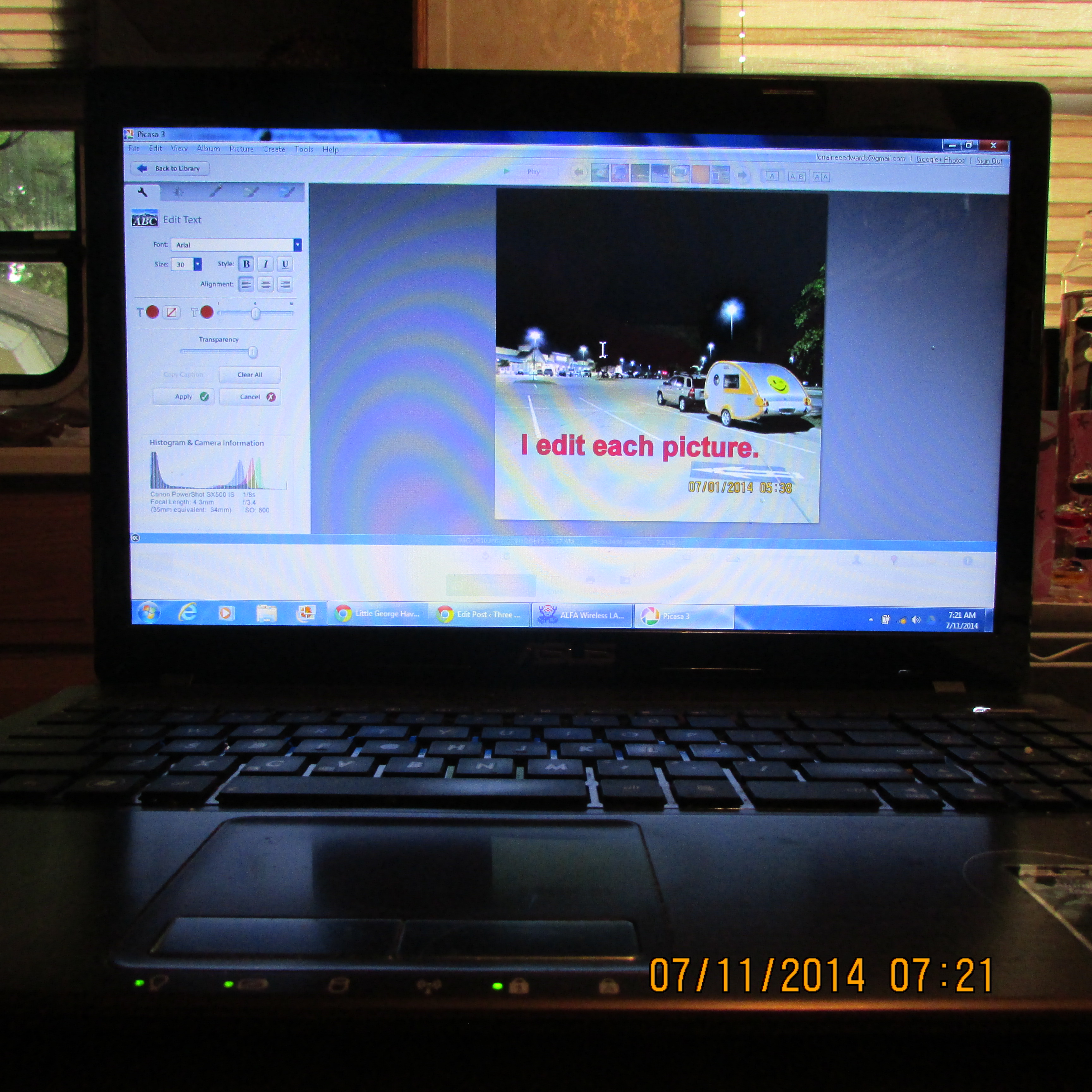
 Text is added to a picture.
~~~~~~~~~~~
 I edit each picture.
~~~~~~~~~~~
 Text was added.

~~~~~~~~~~~
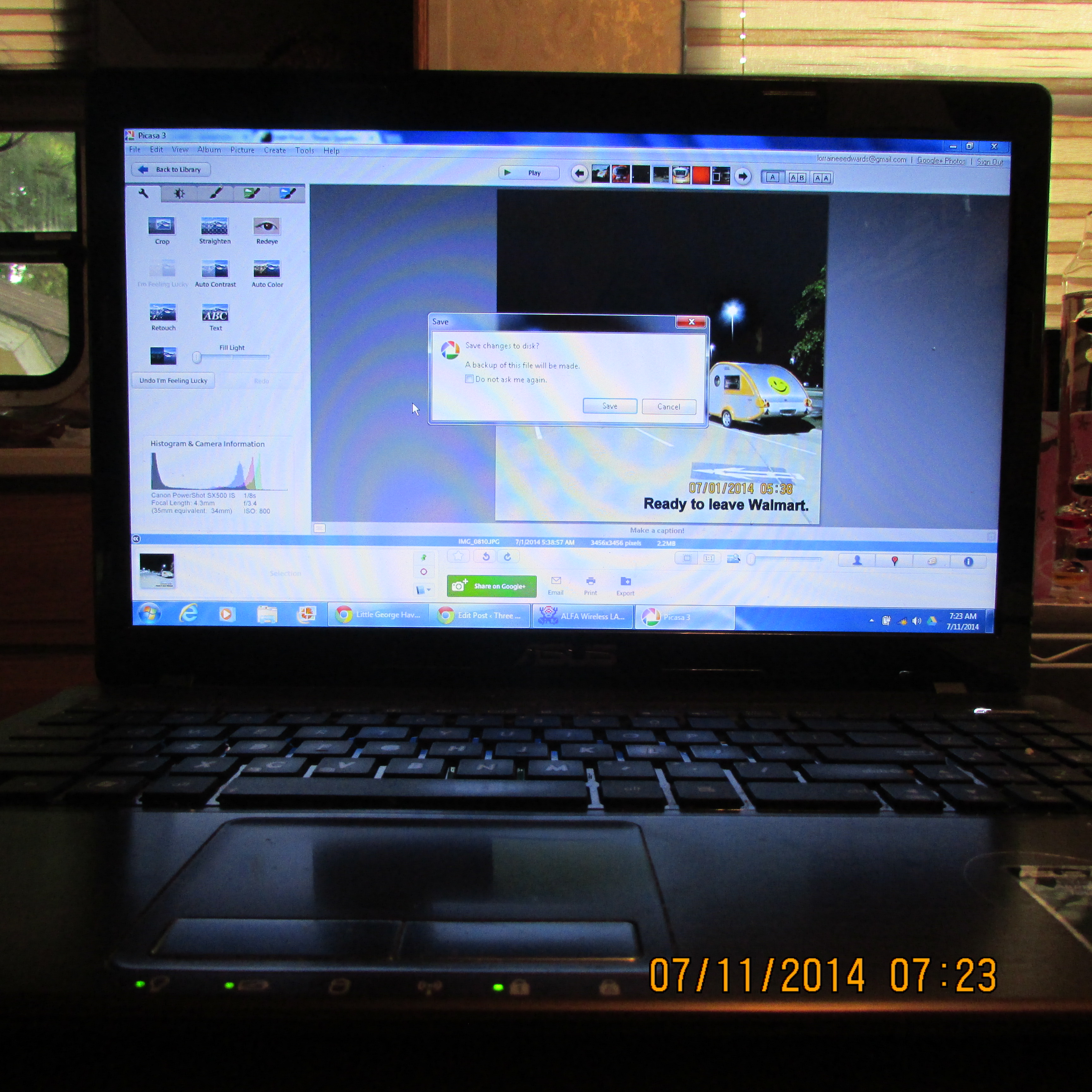
 “Saving” the edited picture.
~~~~~~~~~~~
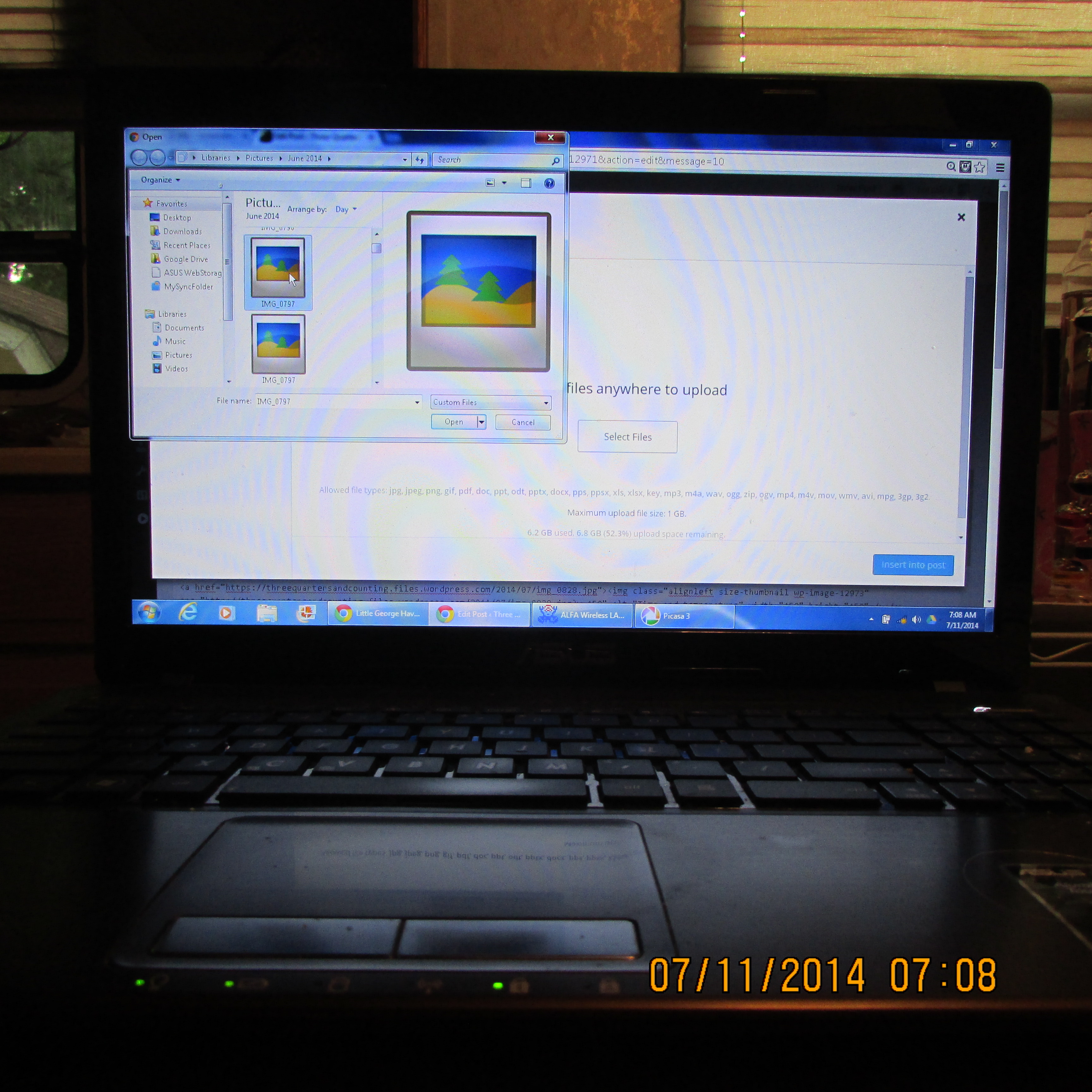
 No actual image when I want to add to the blog. That’s why I write down image number on scratch paper.
~~~~~~~~~~~
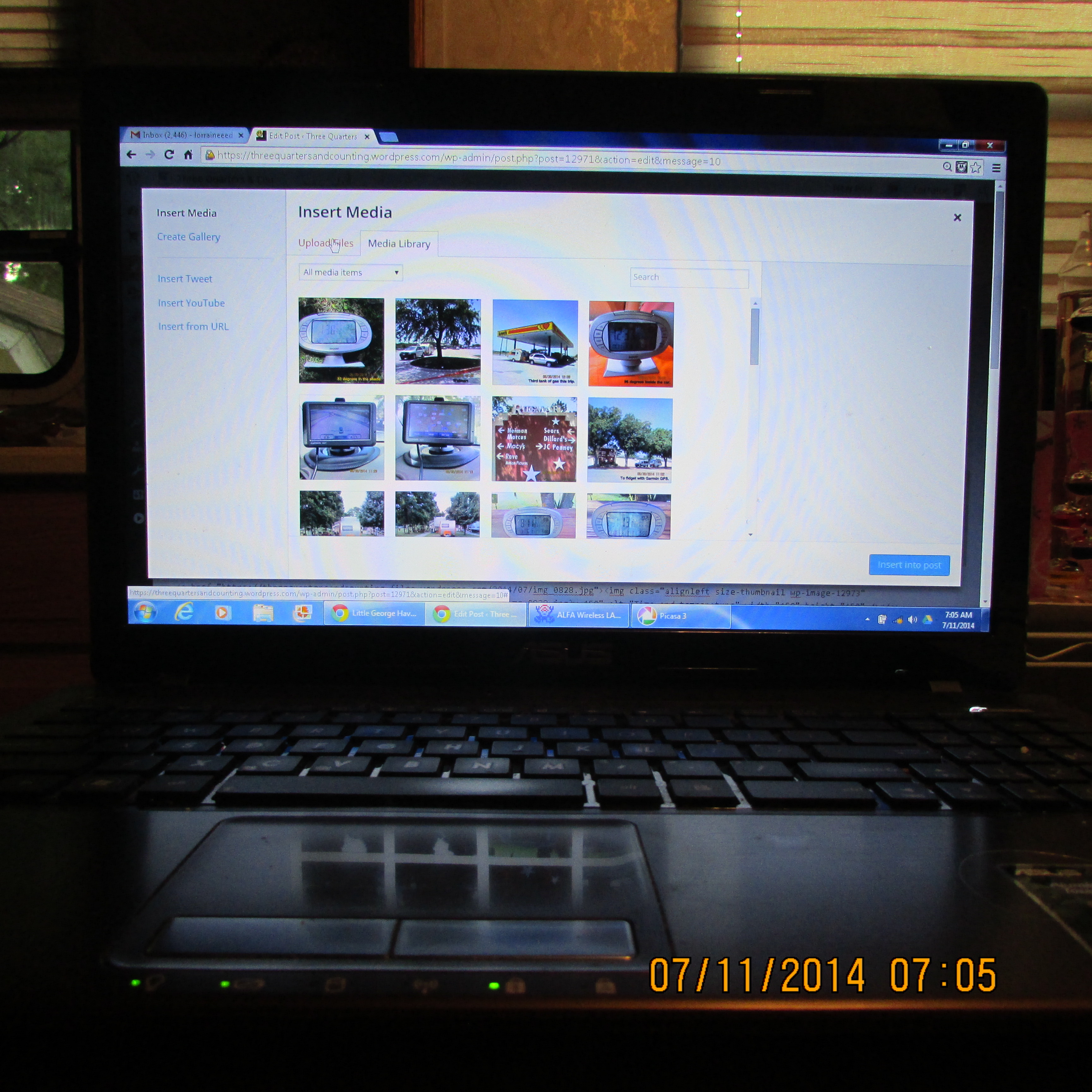
 Insert media.
~~~~~~~~~~~
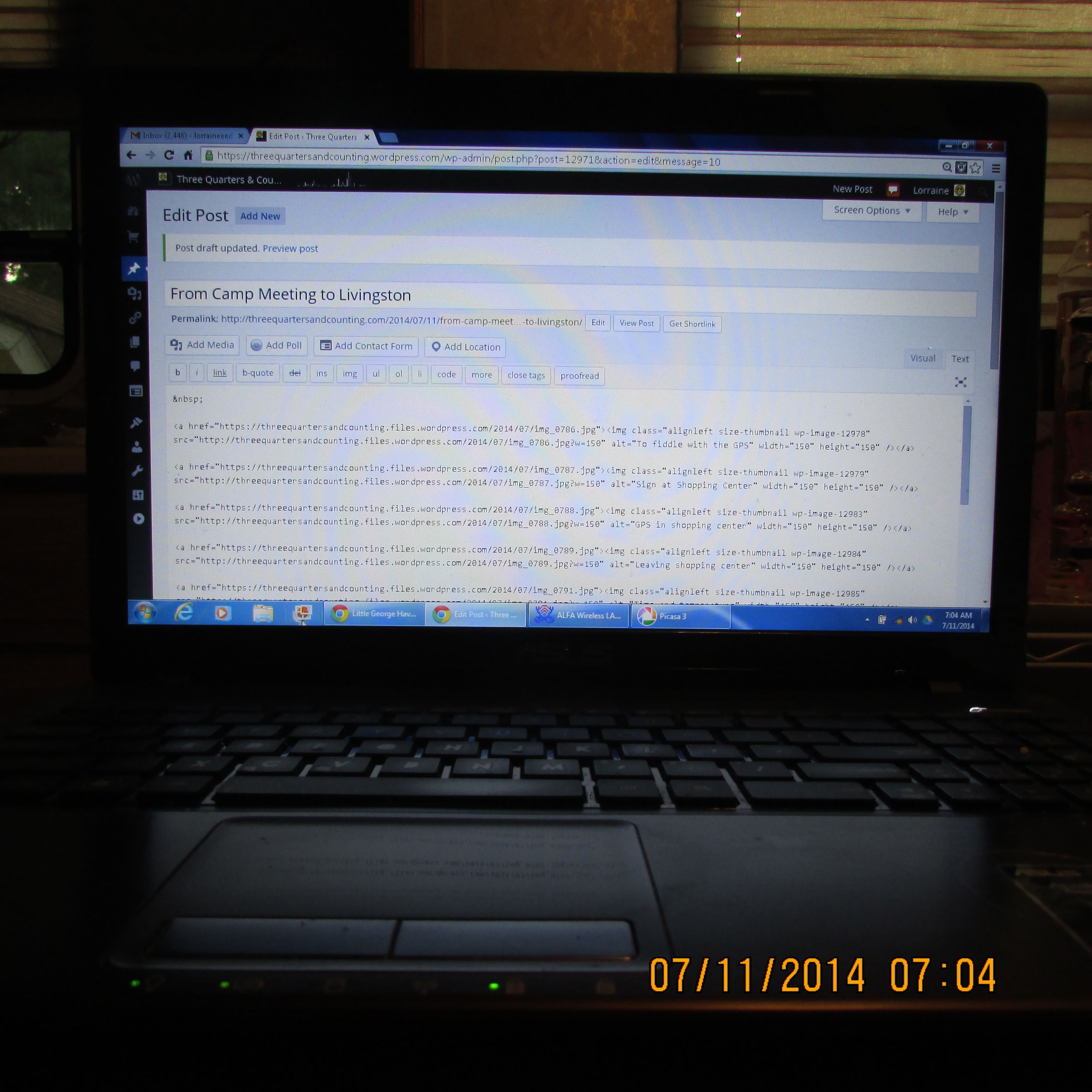
 I enter each picture individually (in the “text” area rather than “visual”).
~~~~~~~~~~~
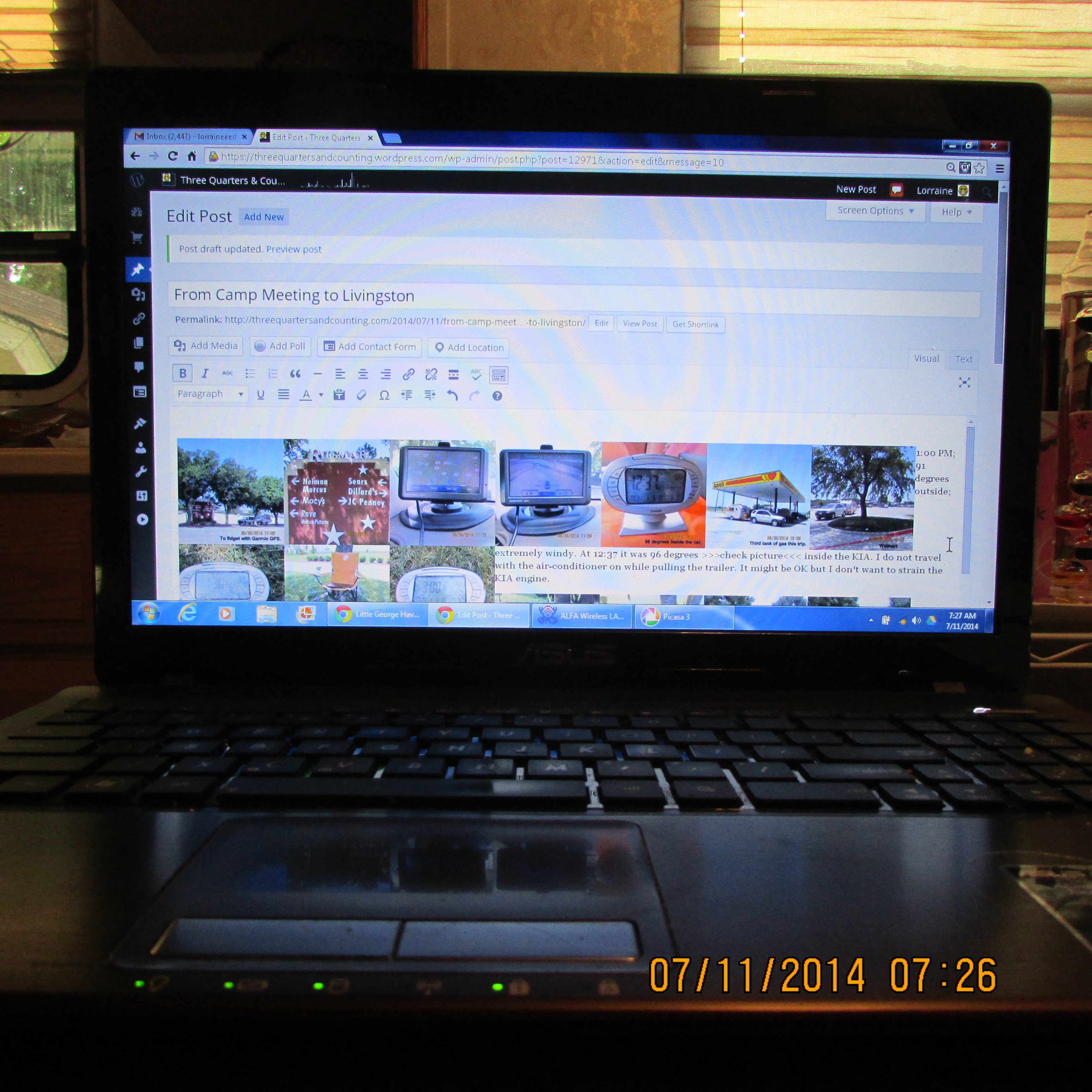
 Preview in “visual” area of edit post.
~~~~~~~~~~~
 Previewing the message before it is published to be certain it meets with my approval.

~~~~~~~~~~~
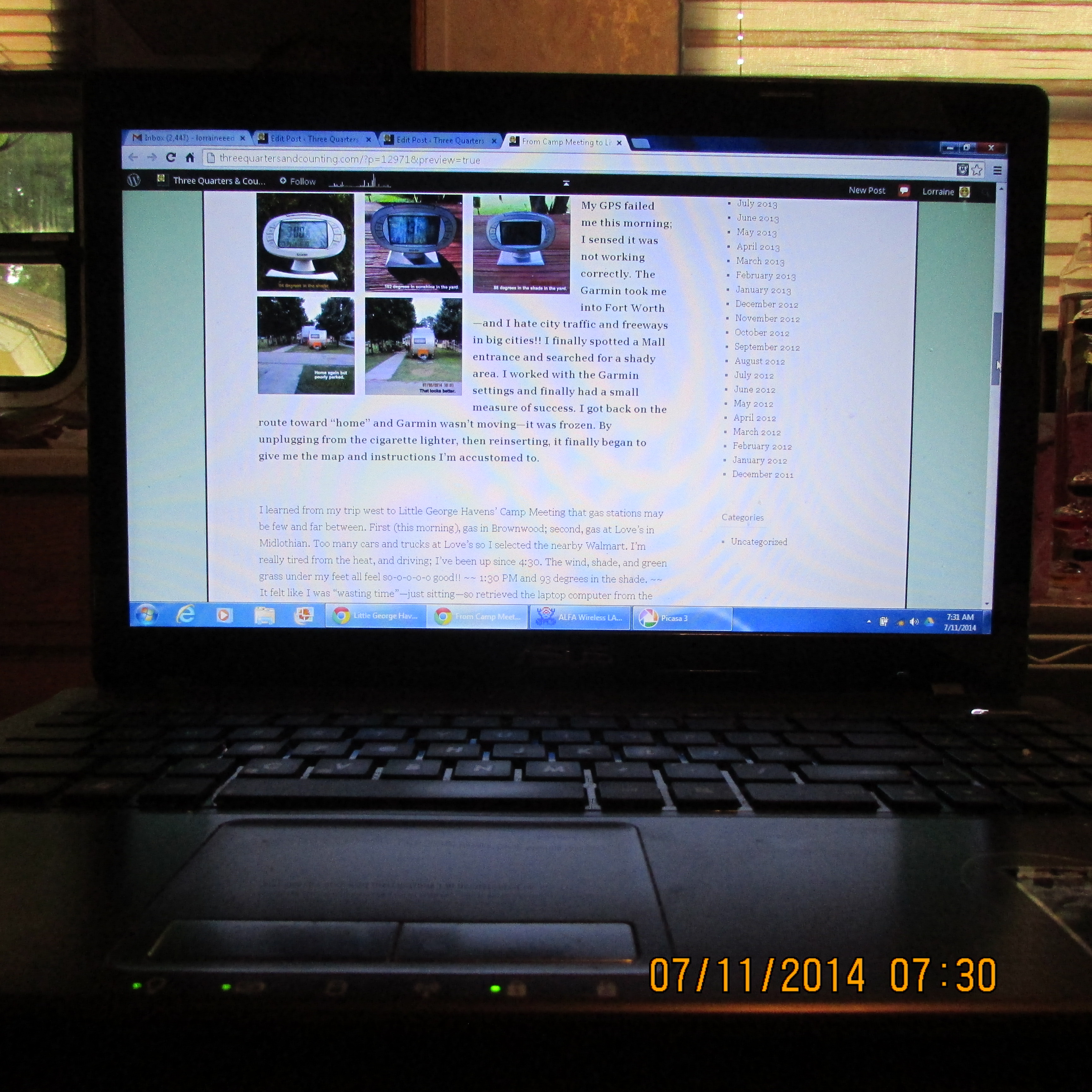
 As it appears in the published blog.
~~~~~~~~~~~

 Even I am confused!! (You’re not alone!) I could be doing laundry–or “downsizing”–(or a dozen other things) but I actually love to prepare blog messages. (I love the challenge.) Today I decided I’d try to share with you details regarding lengthy preparation of messages for Little George Havens’ Cowboy Camp Meeting.
~~~~~~~~~~~

~~~~~~~~~~~

 Three Quarters & Counting
I’m sure you are loading full size images from your camera to picasa.
is there a way you can edit and reduce them with a photo editing
software before uploading them? this will save time and internet cost
if you have to use your data instead of “free Wifi”. I don’t use your
method so it’s hard to advise on how to improve on your process. I’m
camping now so when I get home maybe I can look at your process in
detail and make specific suggestions,
Good morning, Jimmy; good to hear from you!!!!!!!
My concern is not getting the pictures from the Canon to Picasa. My frustration is the exasperating process of getting pictures from Picasa to the blog. Maybe there is a better “set up” in Picasa but I am afraid to “mess around” changing things. This last few days, I’ve worked and worked with Picasa trying to move some July 1st pictures to their proper location. All my other pictures transfered to their specific date–no problem. July 1st pictures went to “Recently Updated – 11 Nov 2012.” I can’t seem to move them from there to a July 1st folder. So, I’m reluctant to change things for fear I’ll loose all my pictures.
Any comments or suggestions about my pictures, and my blog?? You’re a photographer–if I remember correctly–so your critique is solicited.
If you ever have a hankering to visit Texas, come visit me.
Travel safe; enjoy your camp out!!
That IS a lot of work….but I liken it to scrapbooking….without having to buy all the expensive supplies…you’re recording memories, along with written observations. Sort of a scrapbook and journal all in one. AND you are able to share it.
Good morning!! I like your comparison, Deb: “scrap booking” –and I can share. I hadn’t thought of it that way. But using “clip art” is like buying expensive fancy stickers, and frames, and pre-printed comments. THANK YOU for your observation!!